Free
Adsorption isotherm (Langmuir, Freundlich)
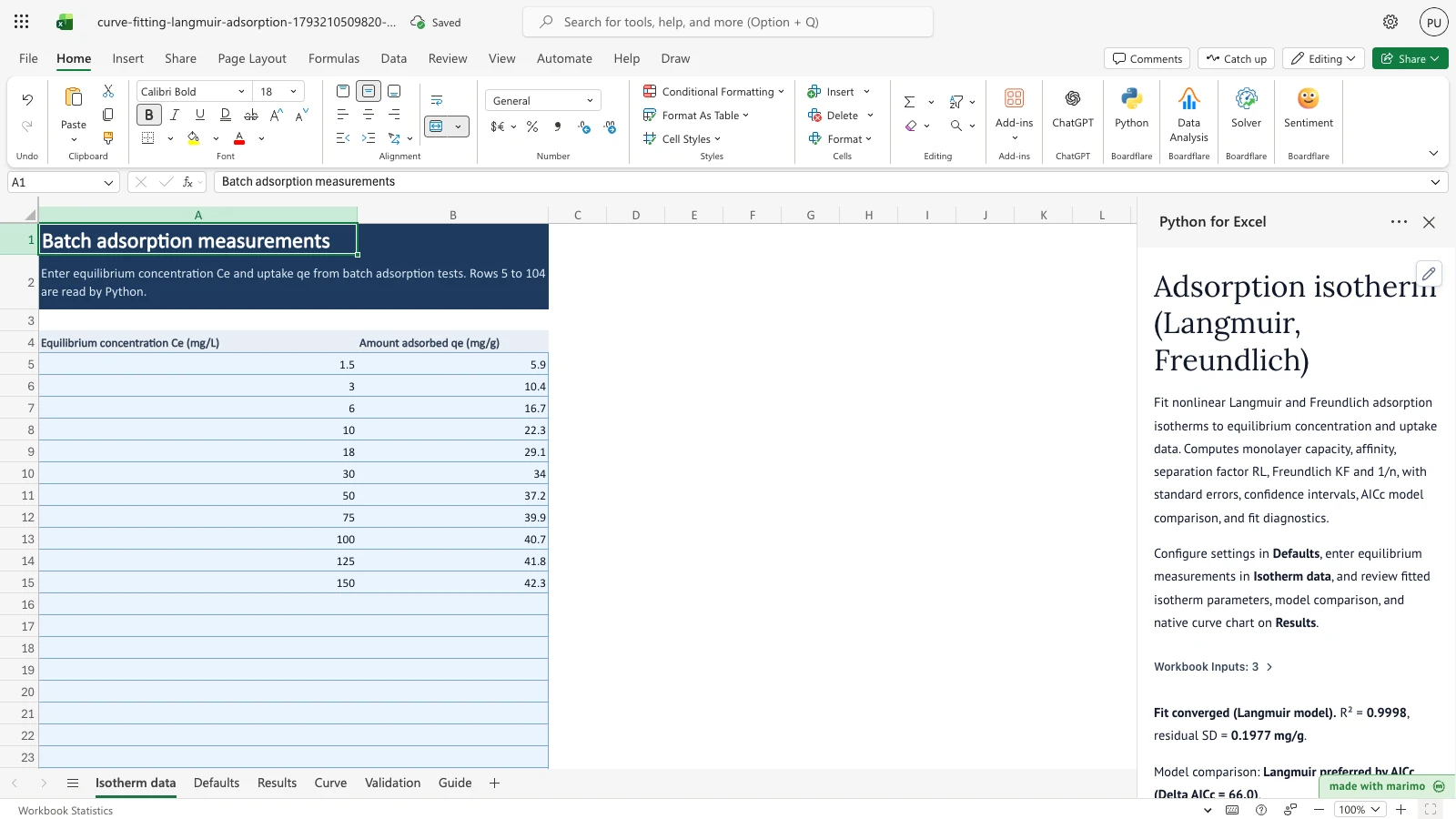
Fit nonlinear Langmuir and Freundlich adsorption isotherms to equilibrium batch data, compare models by AICc, and determine capacity and separation factors.
Each template is an Excel workbook with scientific Python, sample data, and a live task-pane interface already set up. Open one in Excel, run it on the sample data, then swap in your own data or ask your AI assistant to adapt it. Every template is free to download.
Nonlinear regression, dose-response assays, 4PL curves, and kinetic models.
Method validation, Passing-Bablok, Gage R&R, SPC charts, and hypothesis testing.
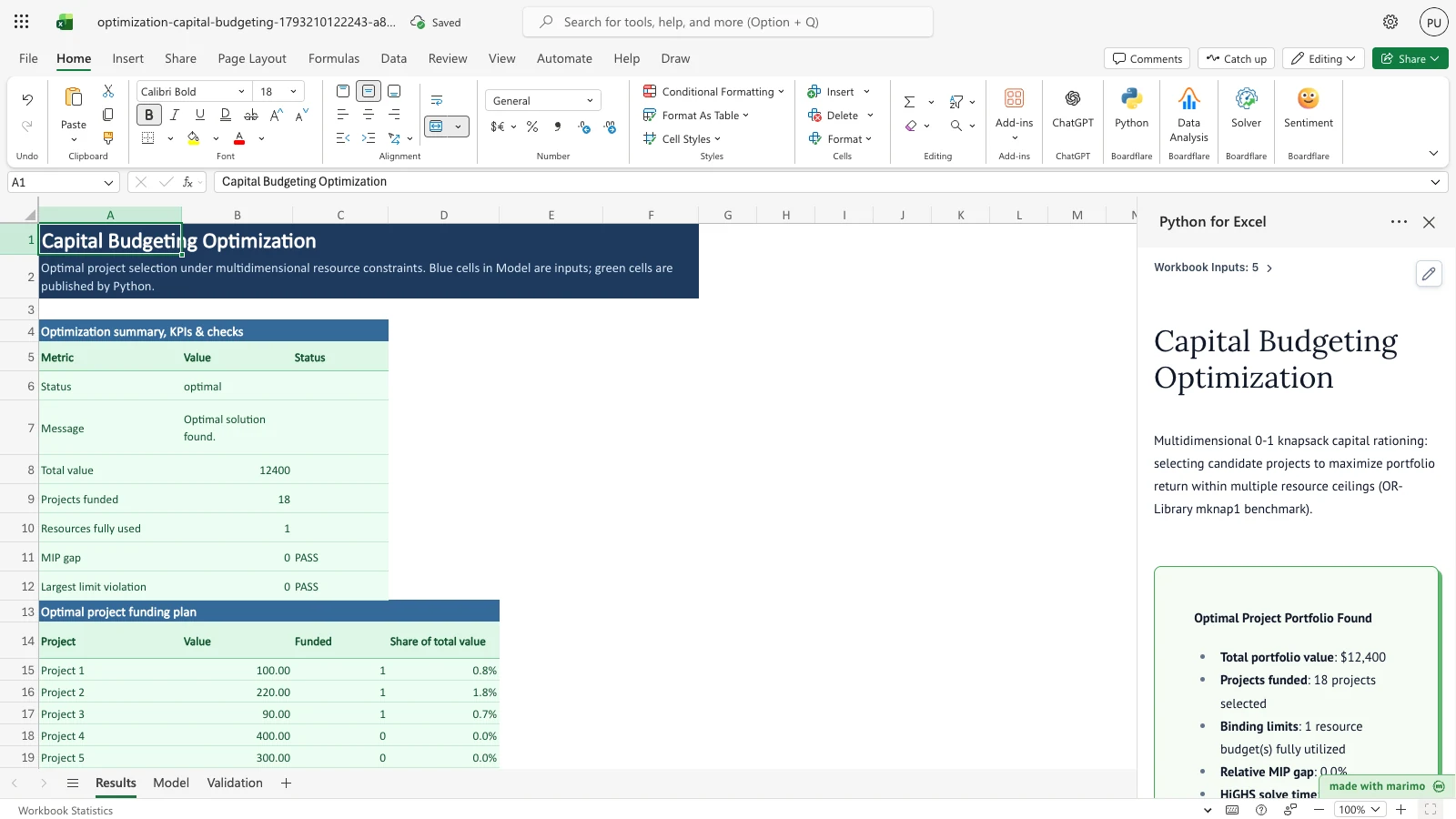
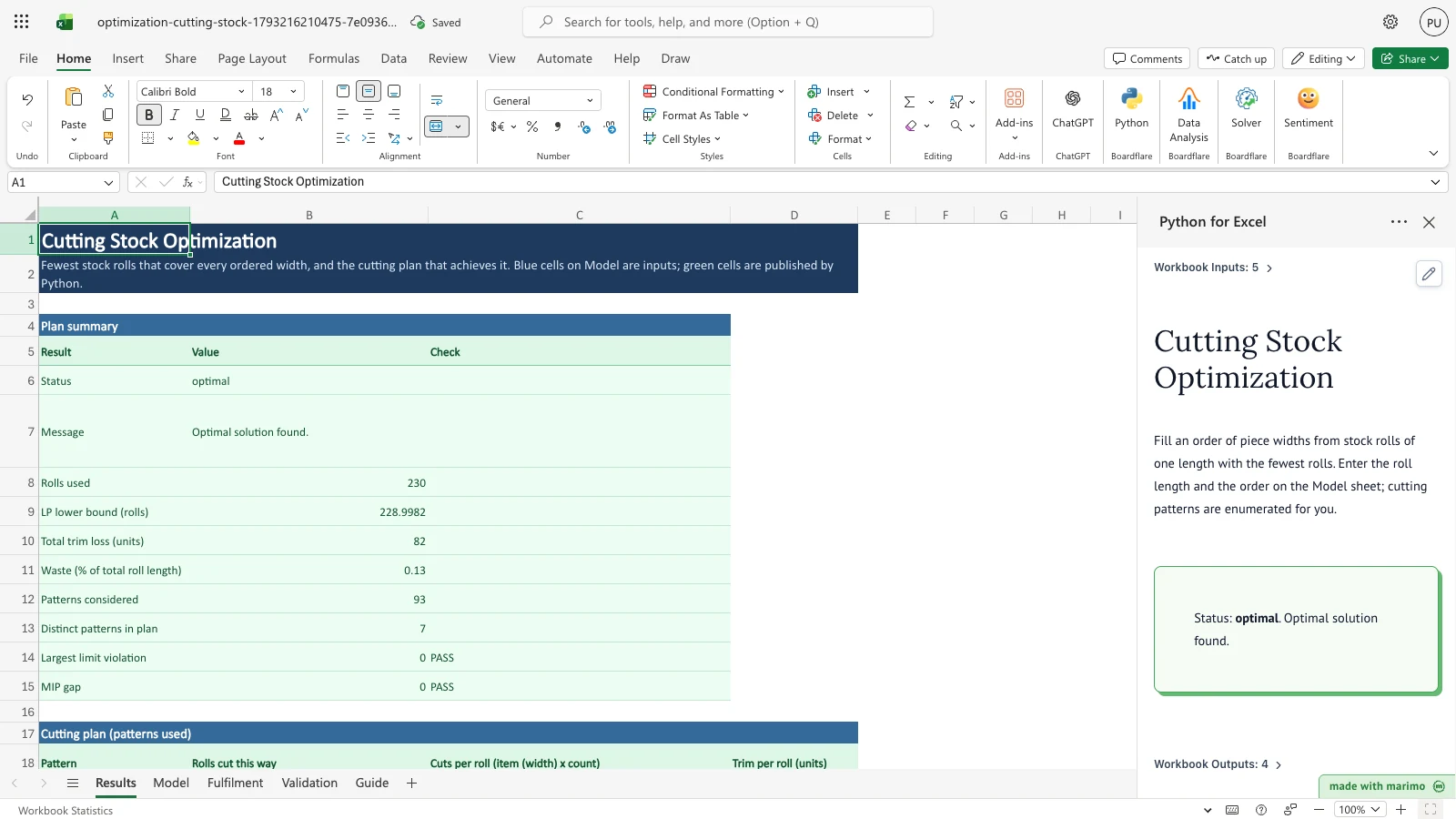
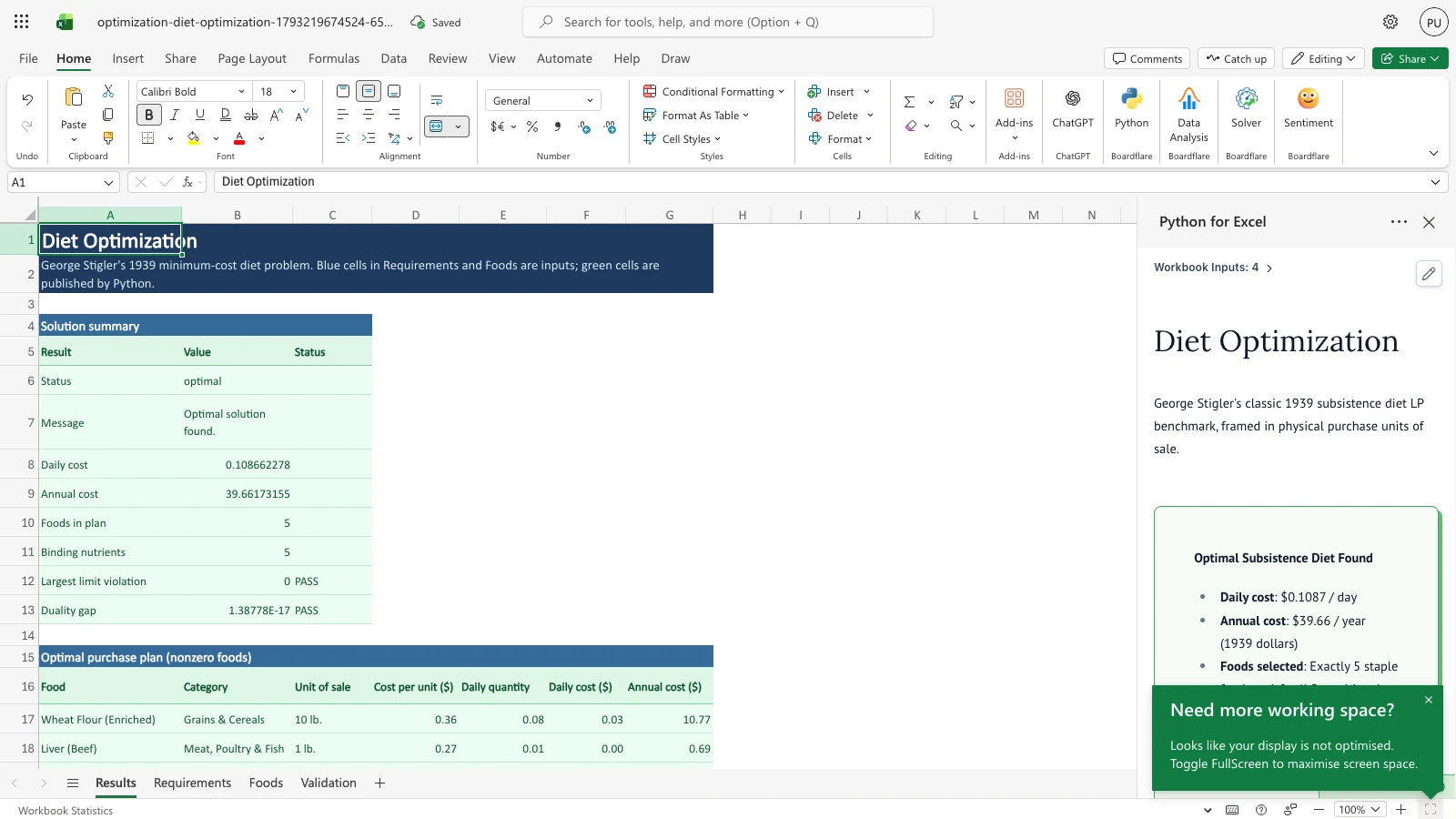
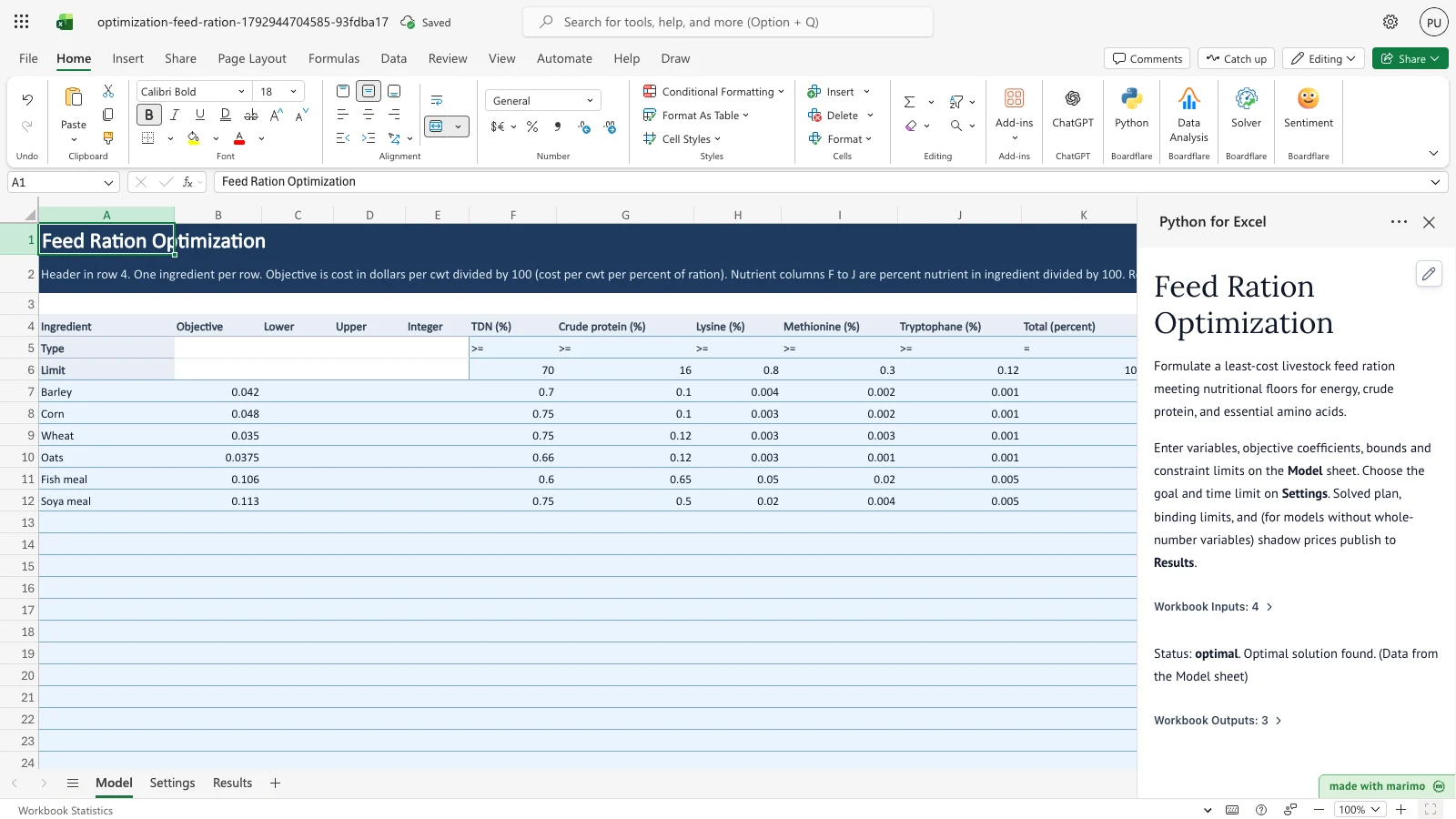
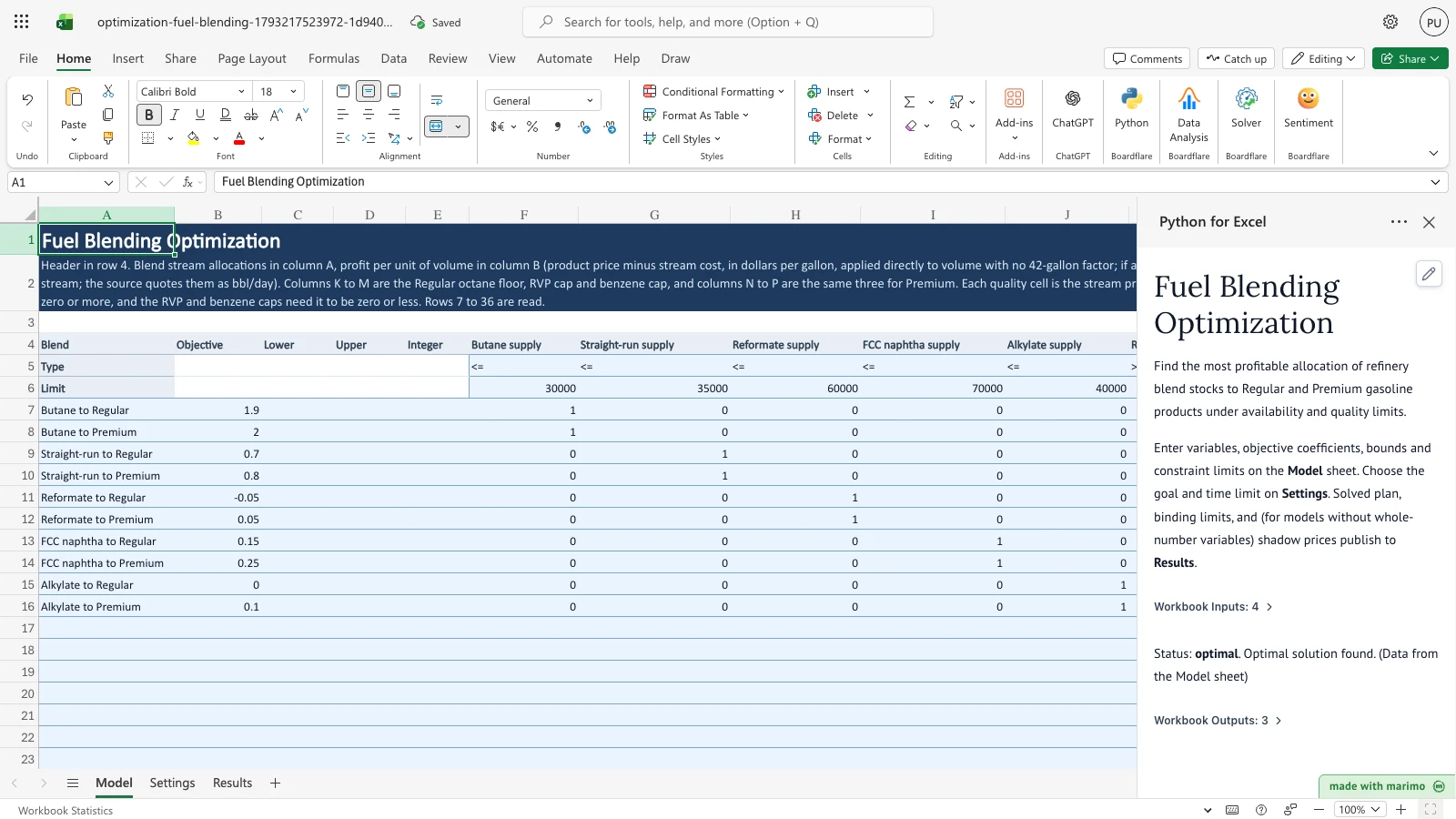
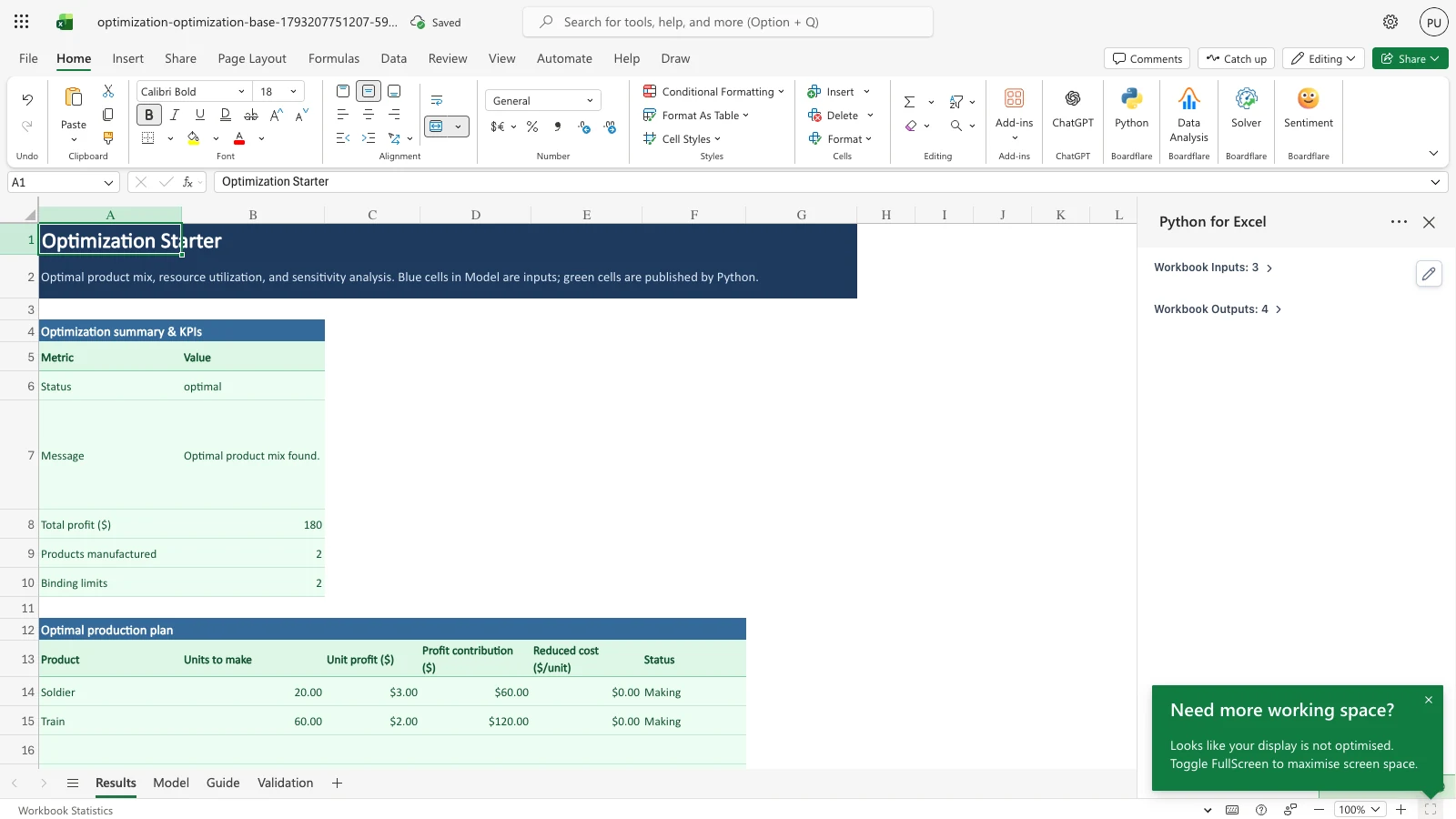
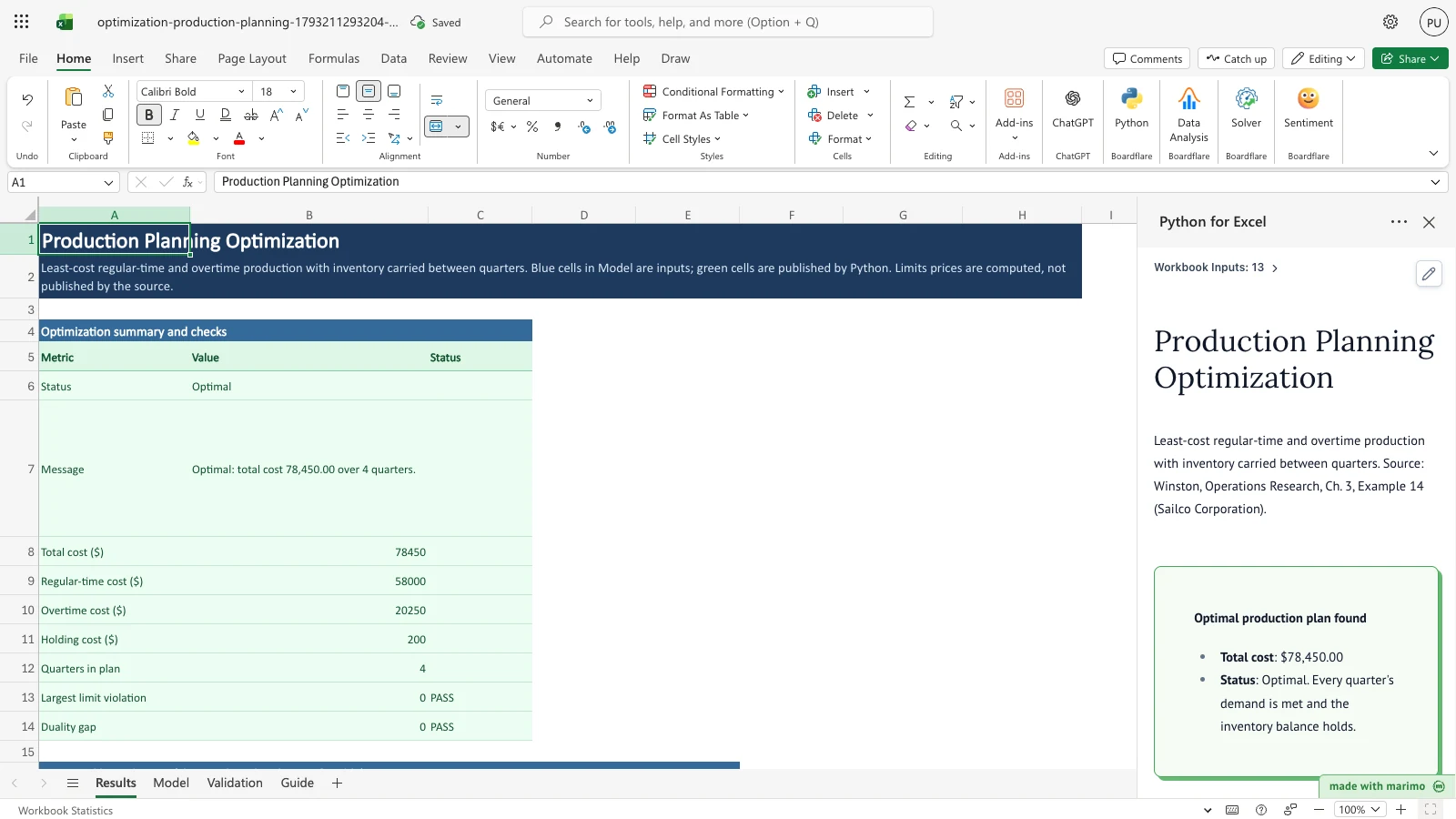
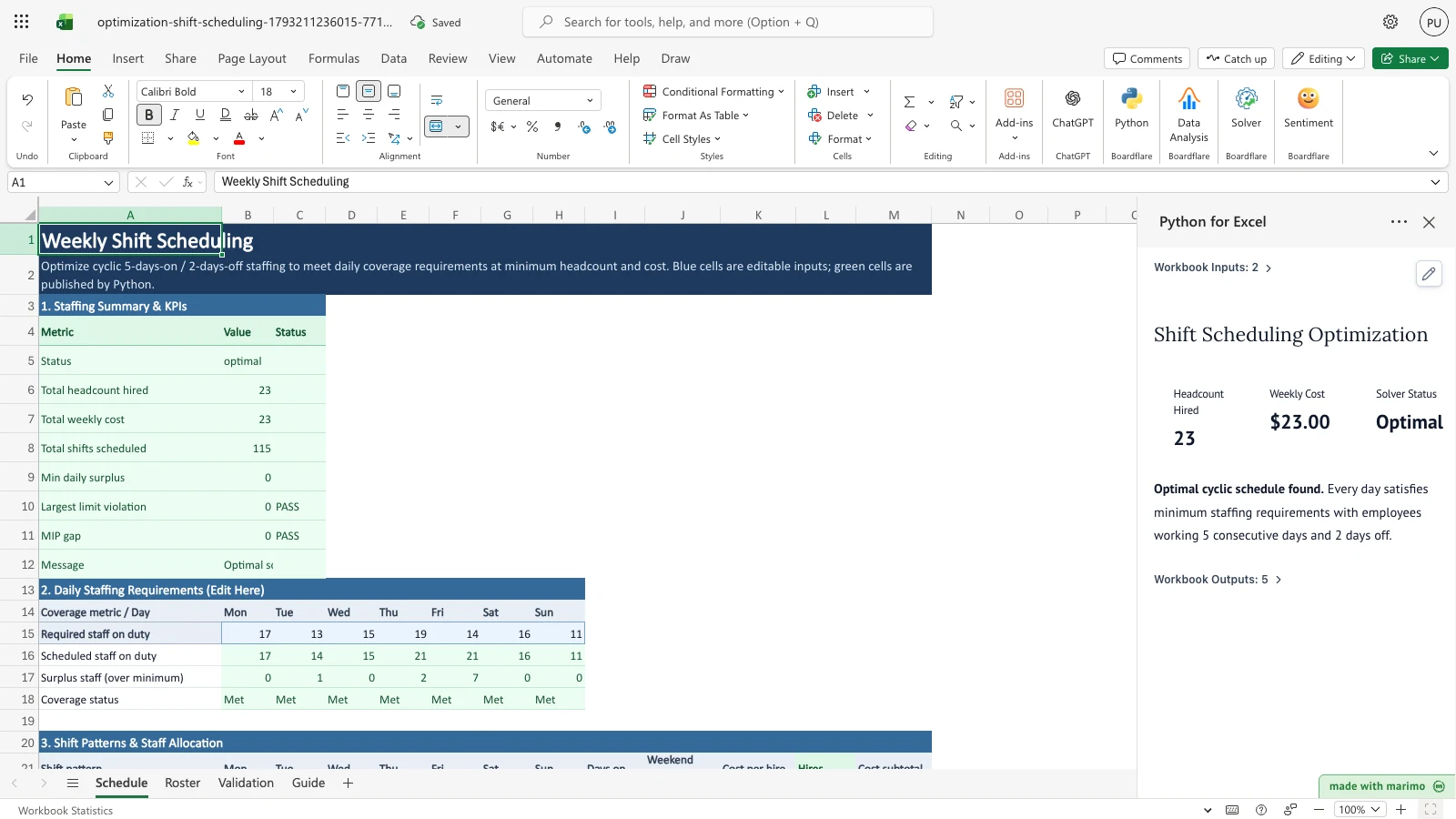
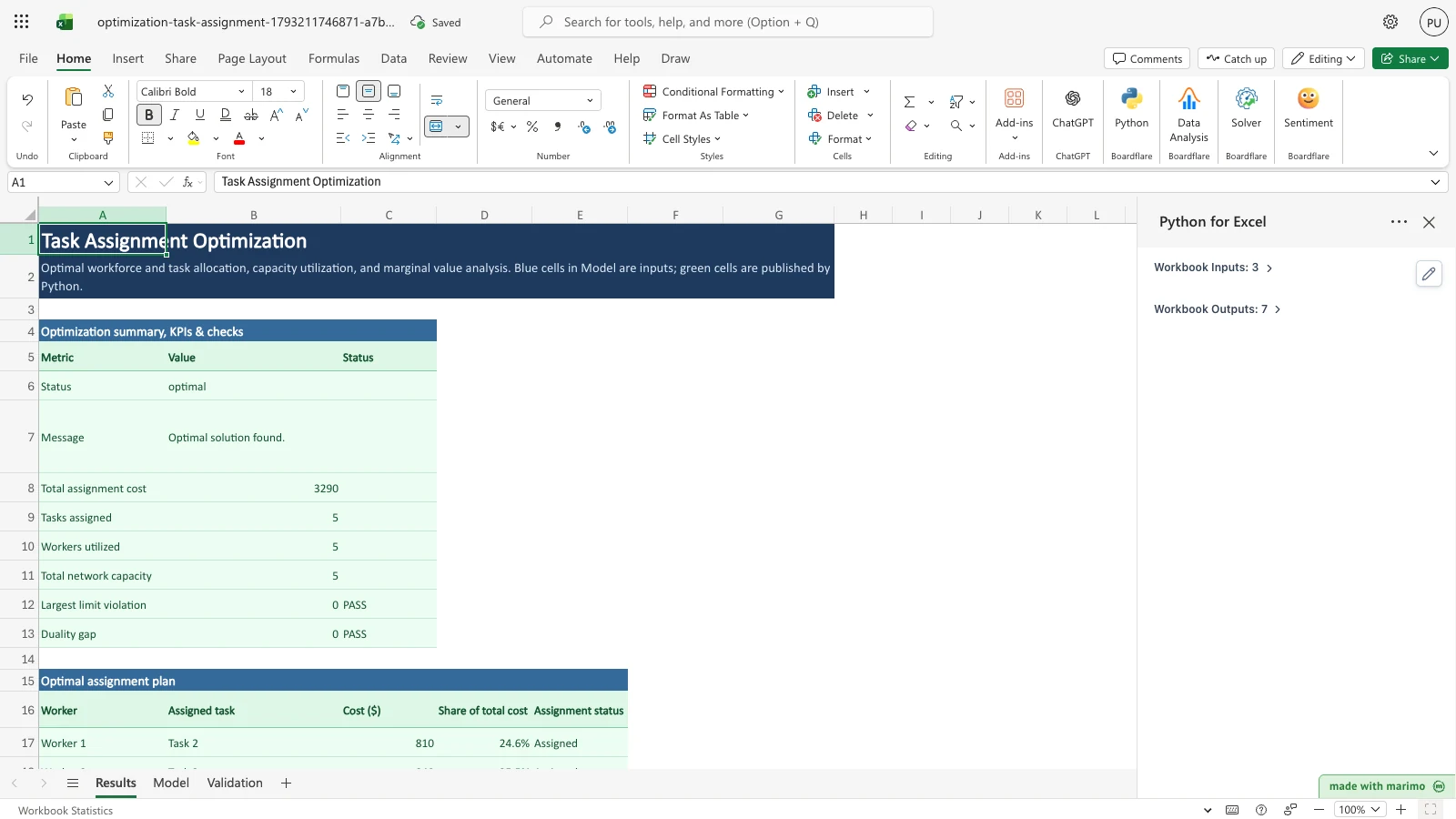
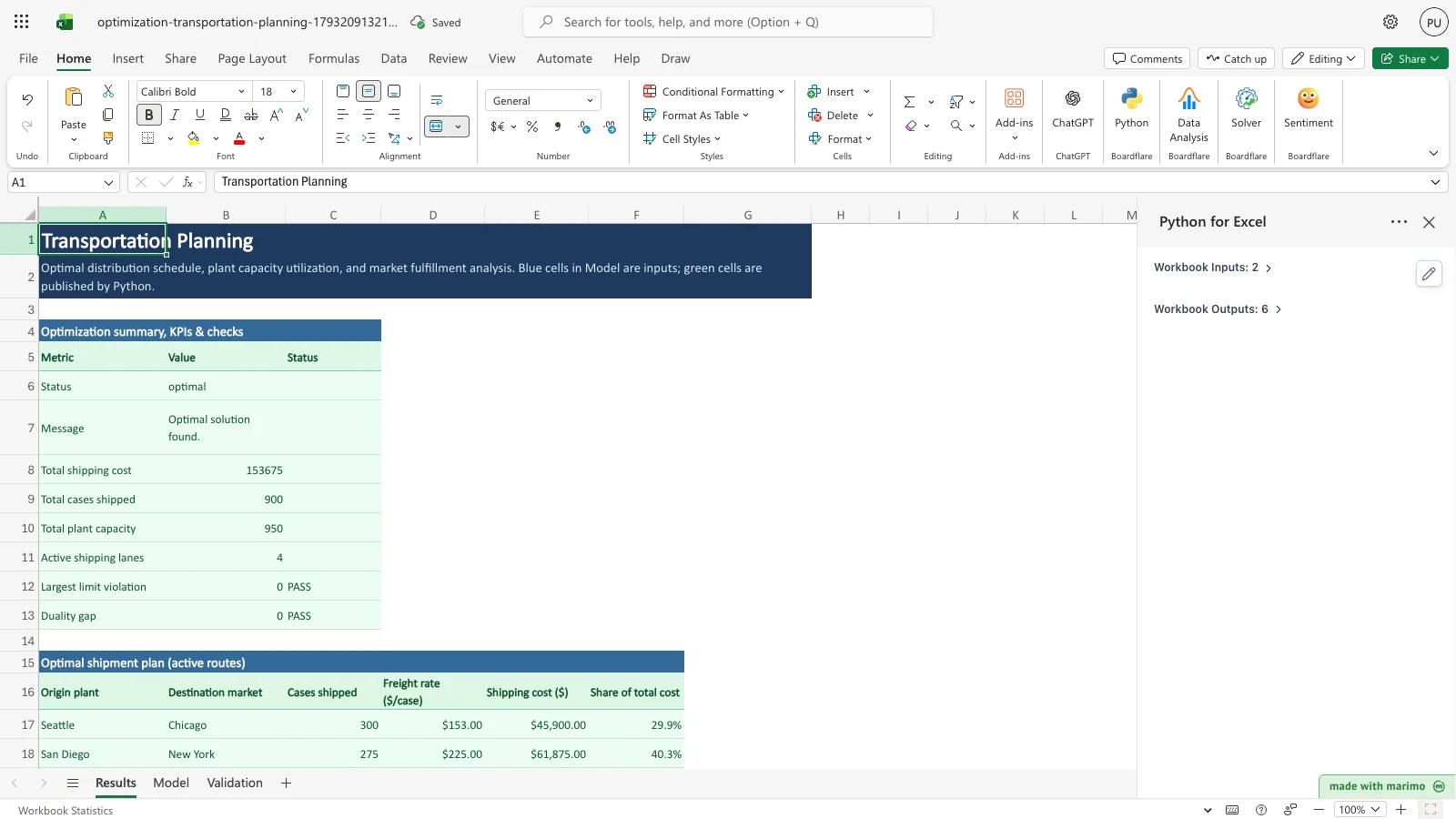
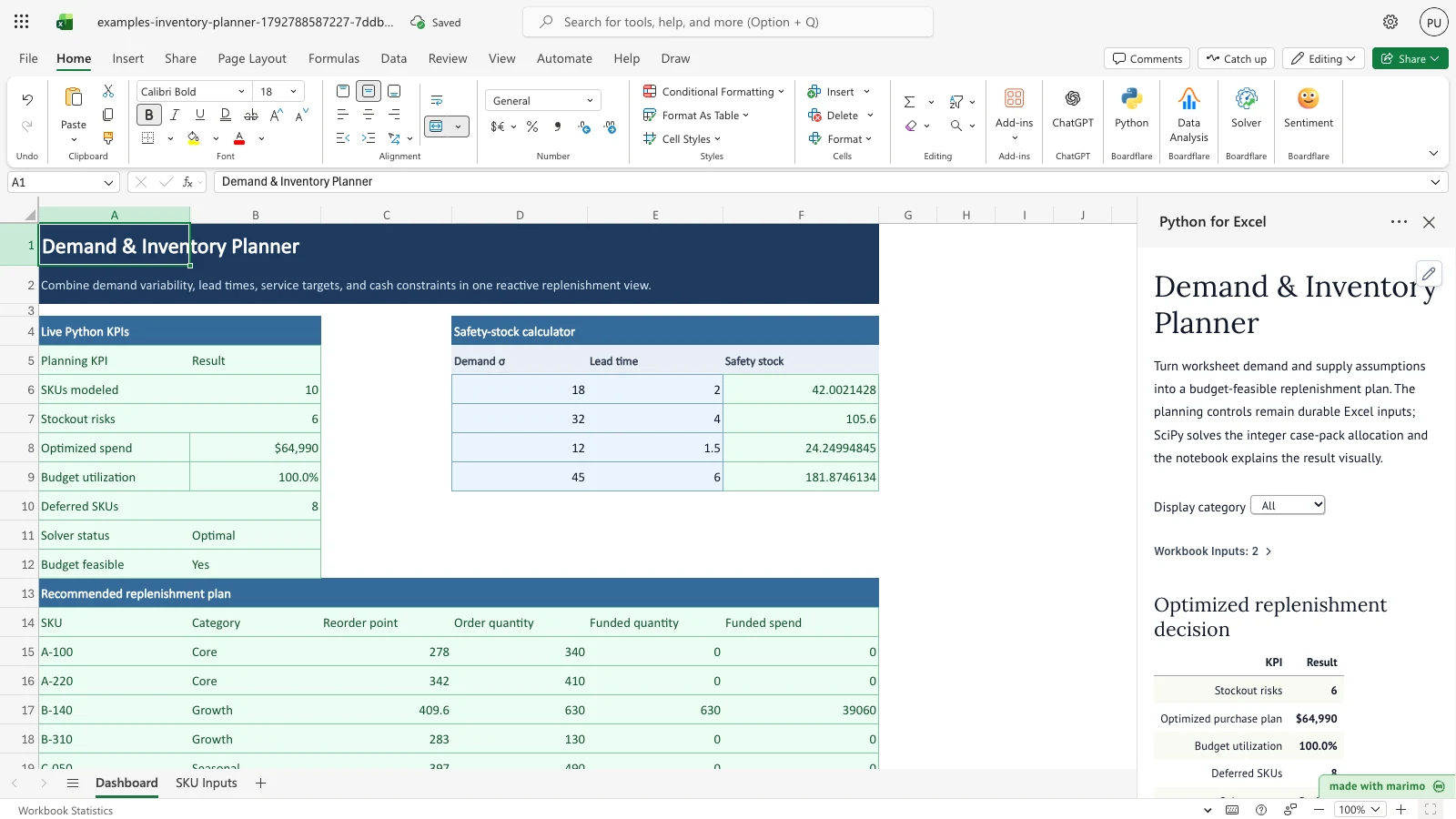
LP and MIP solvers powered by SciPy and HiGHS for blending, scheduling, and logistics.
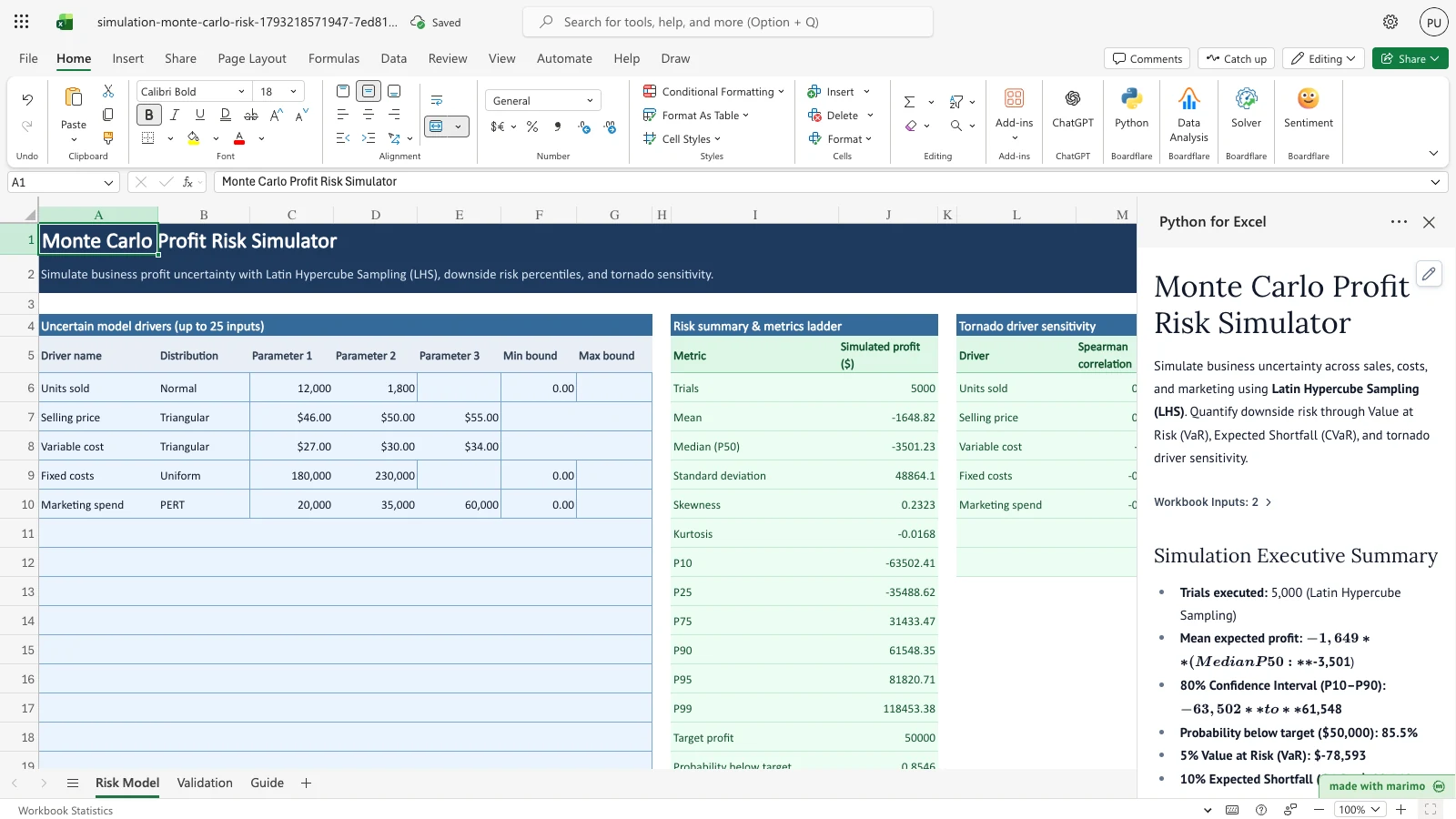
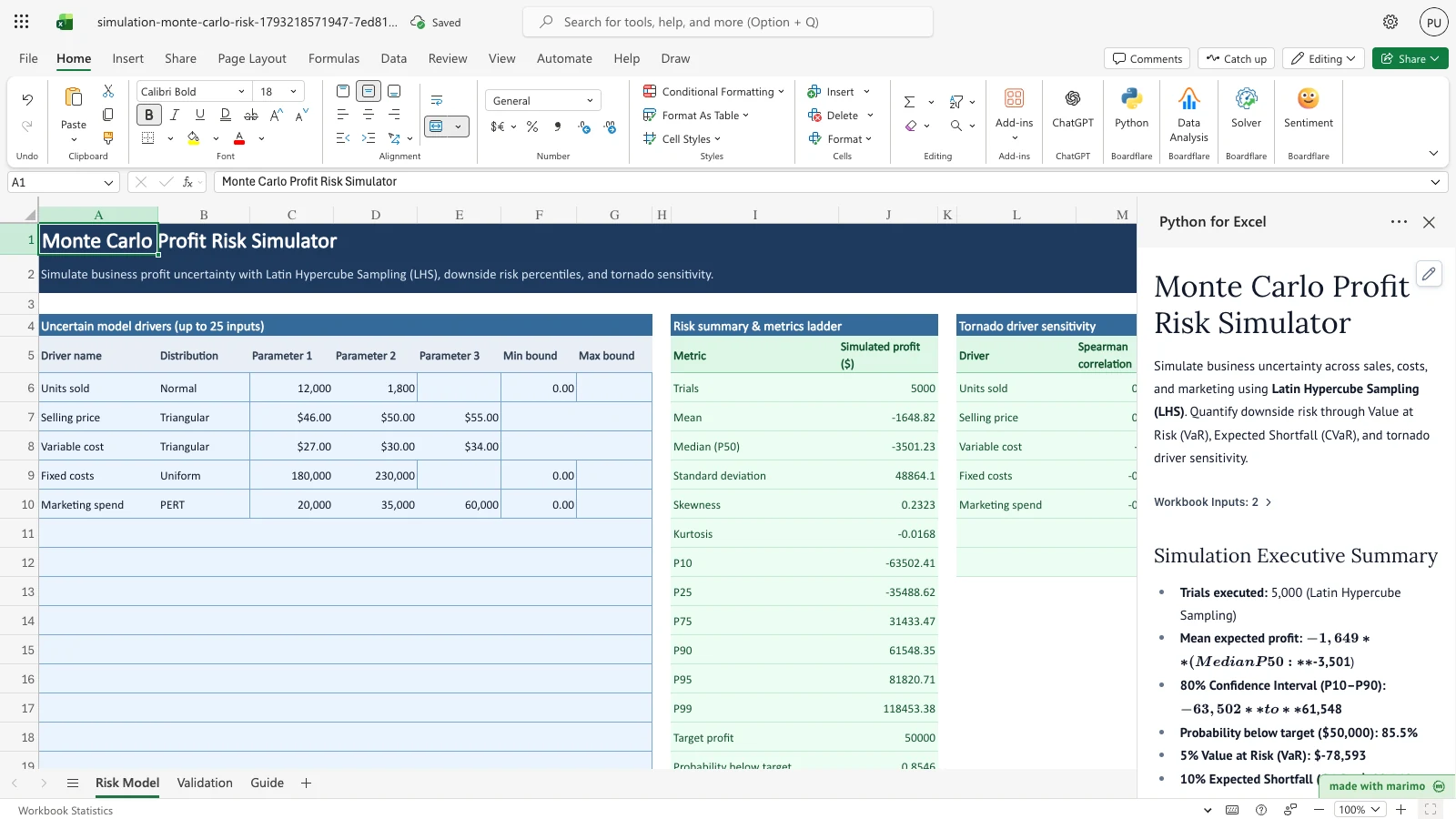
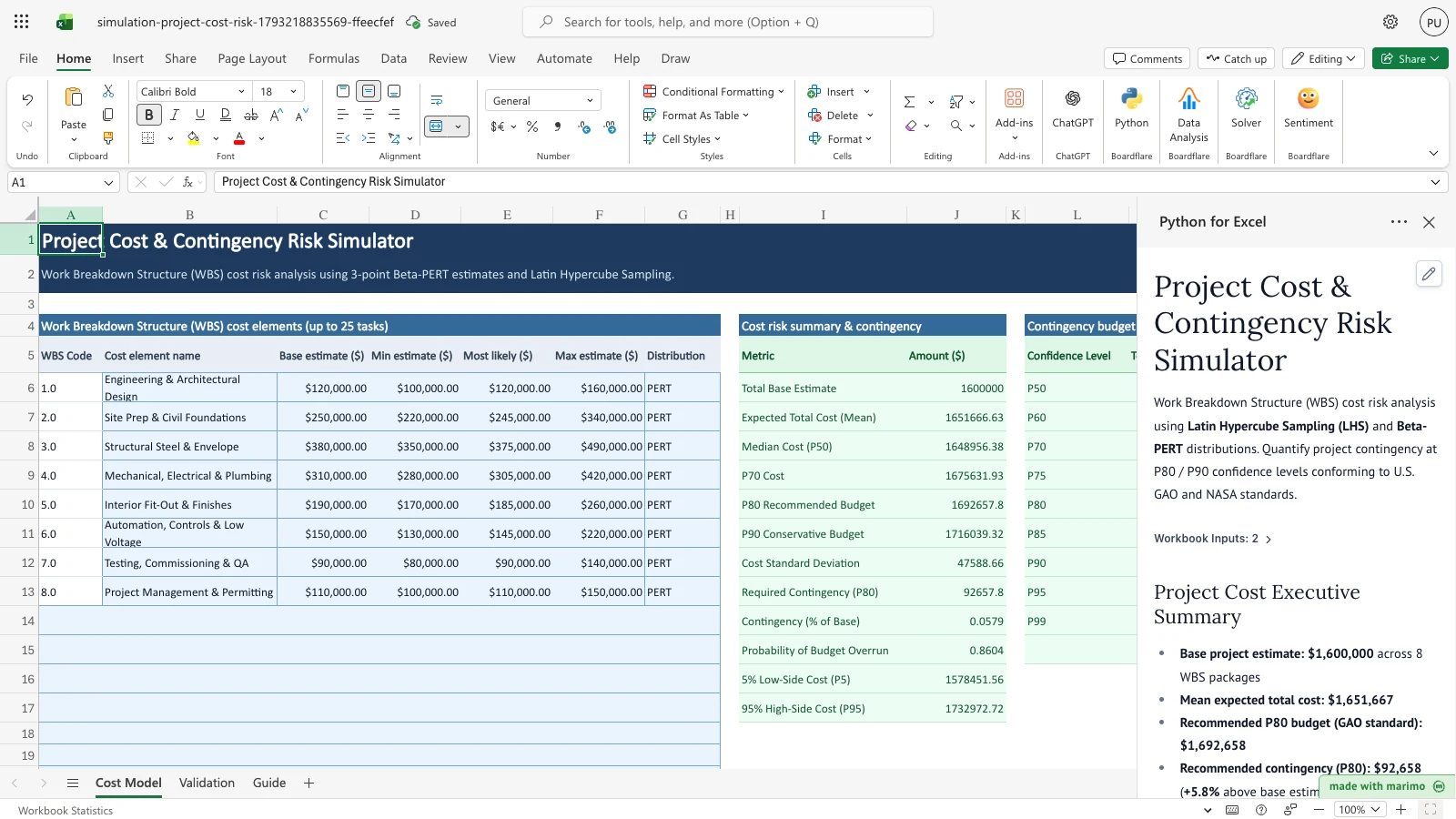
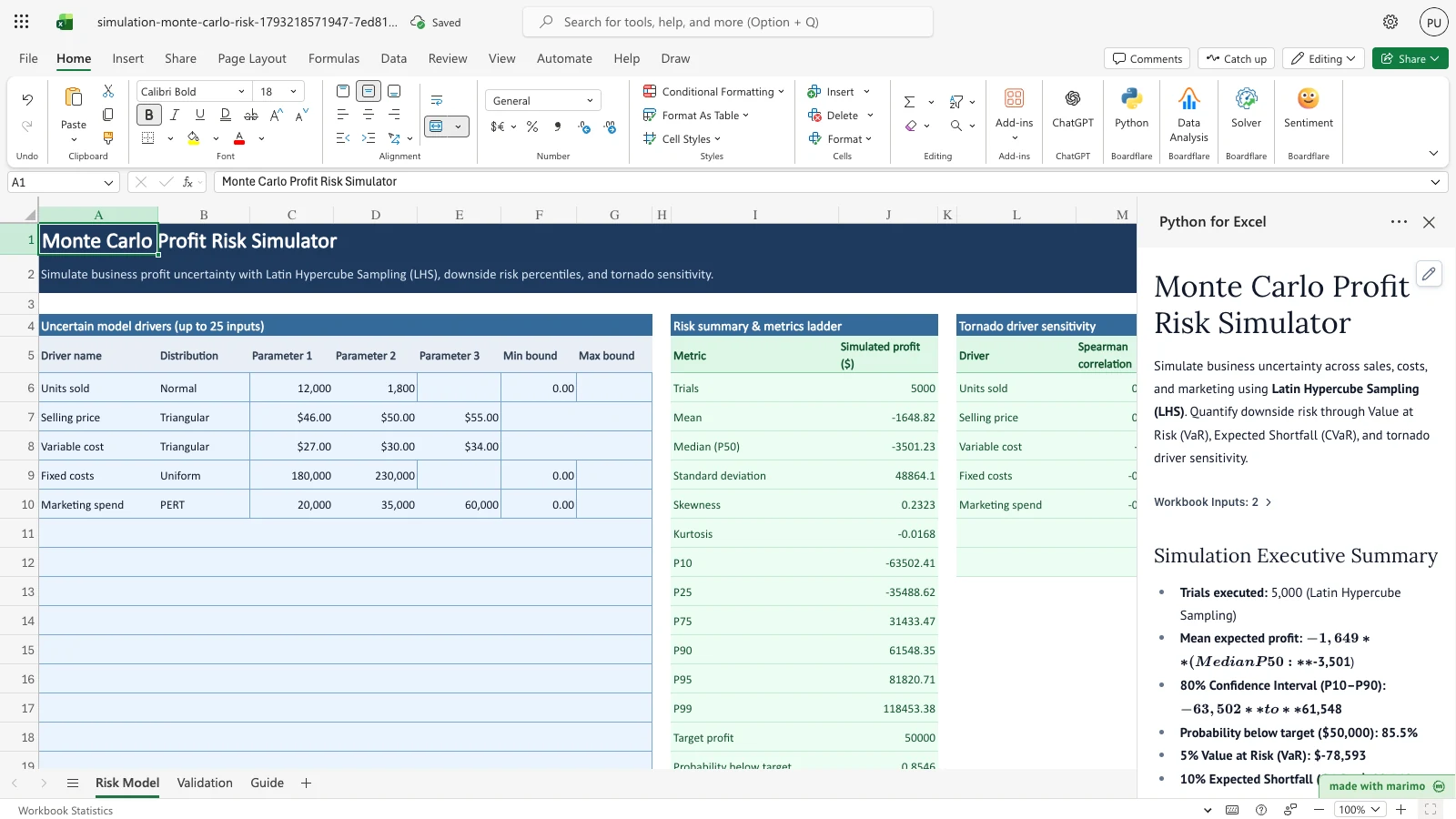
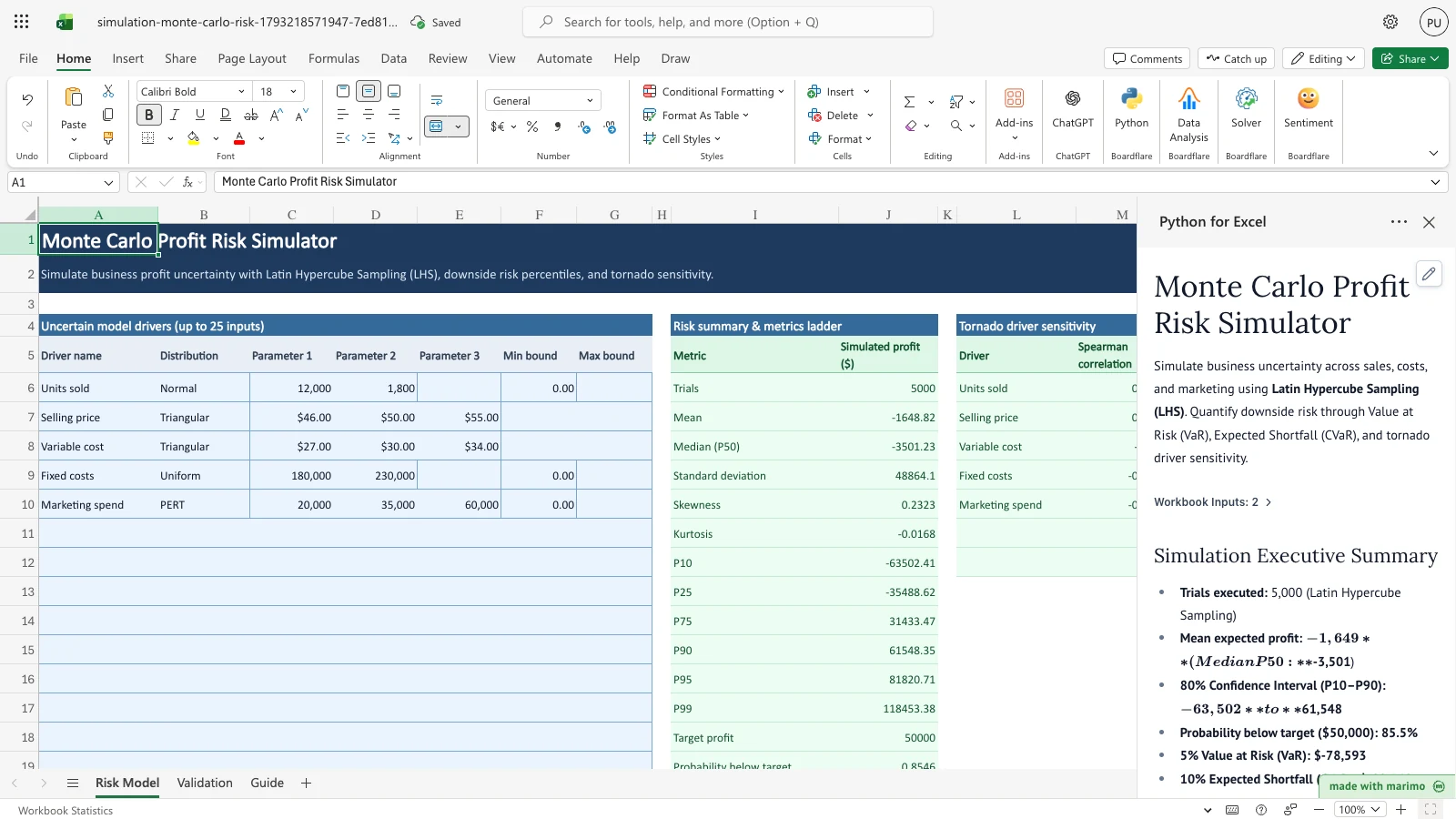
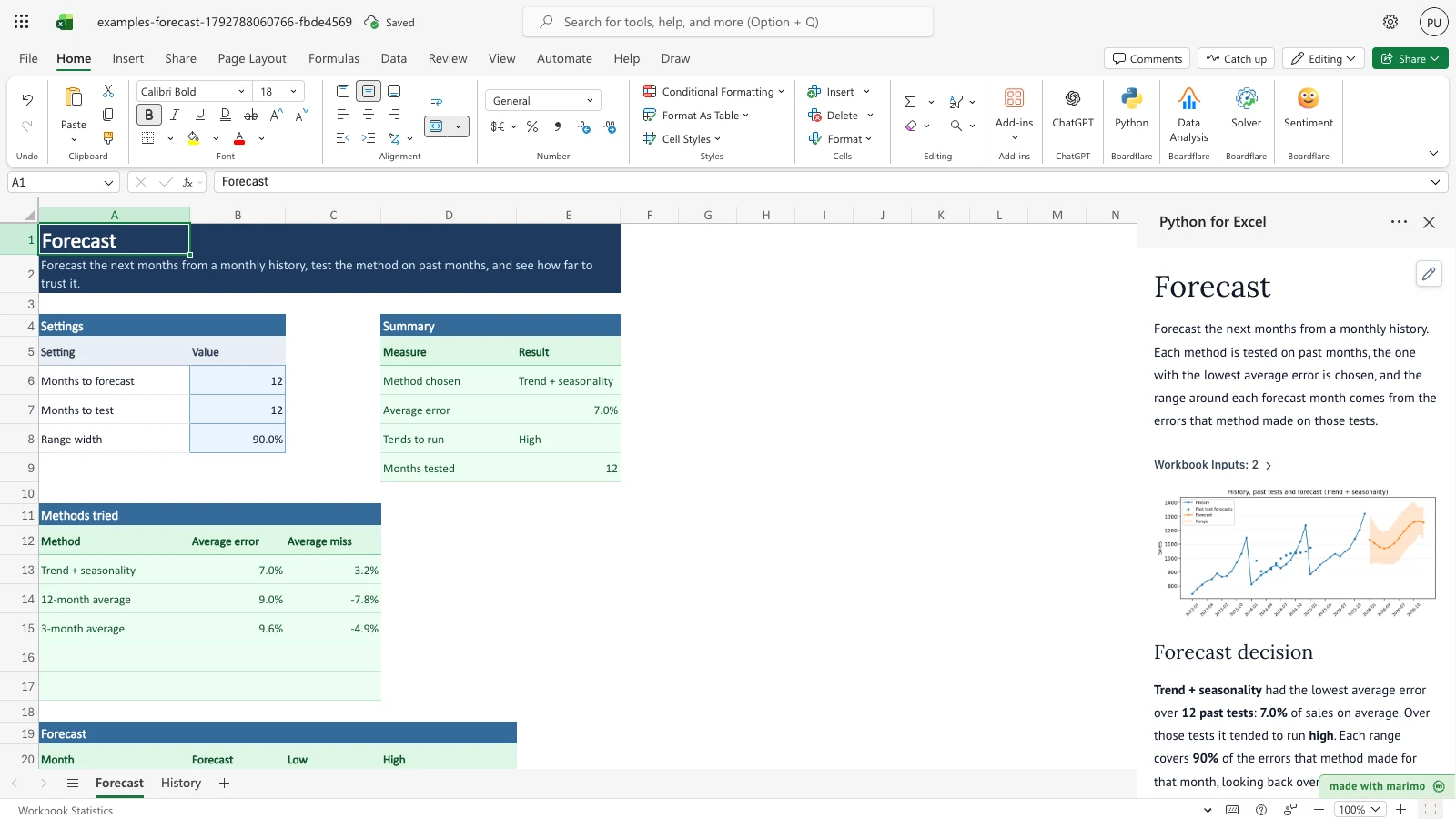
Monte Carlo risk models, Latin Hypercube Sampling, WBS cost risk, DCF risk, and retirement simulation.
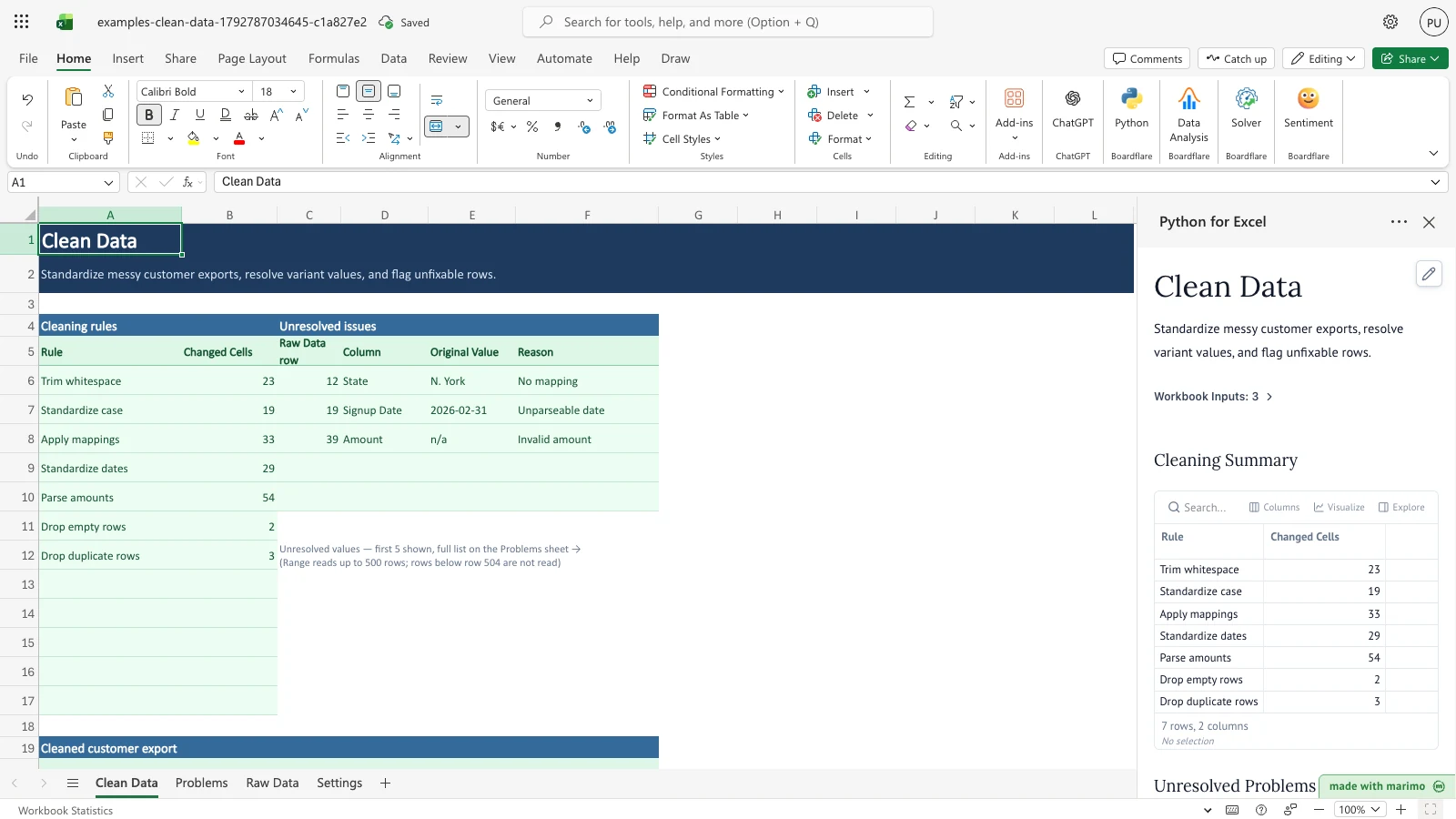
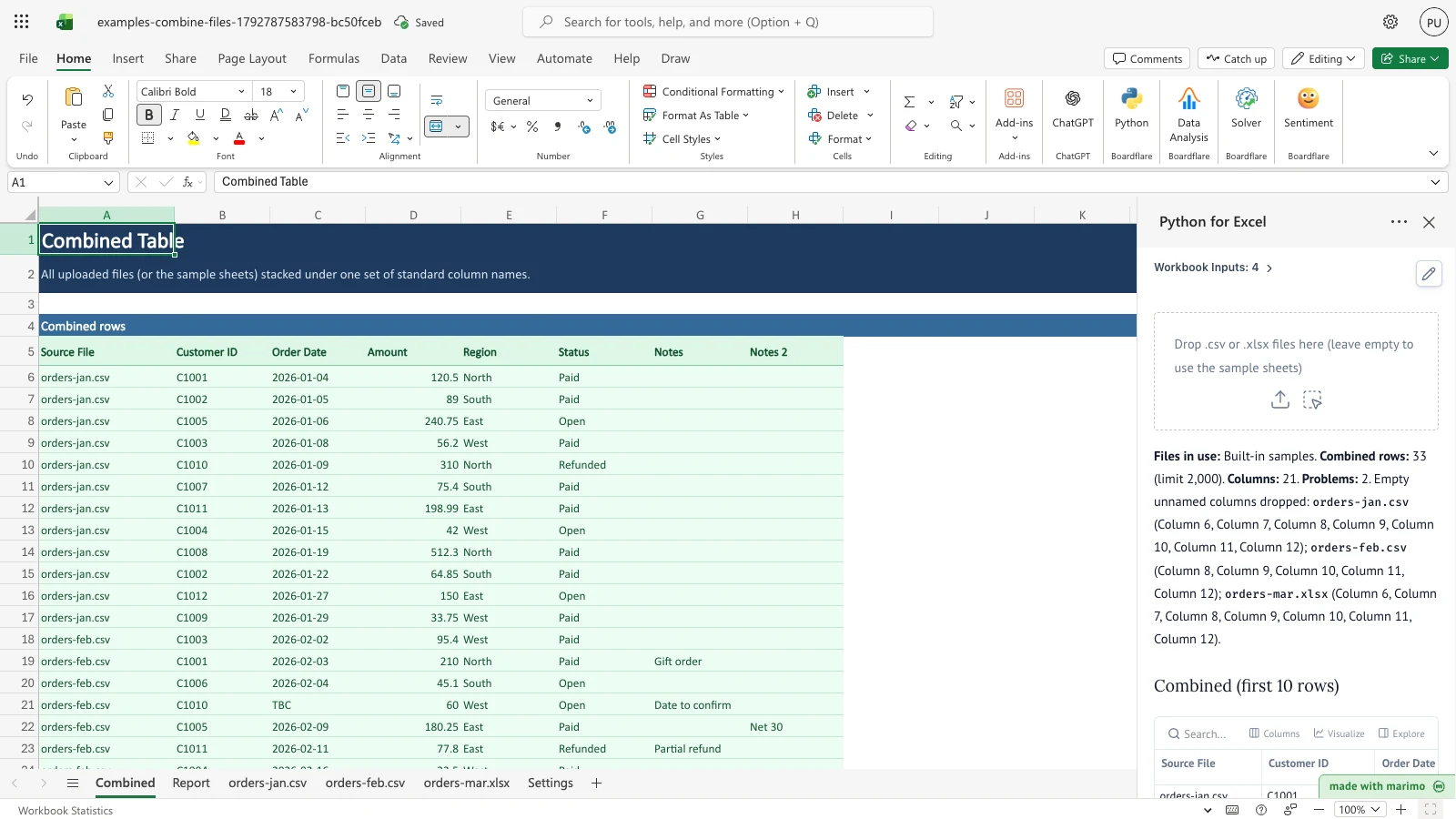
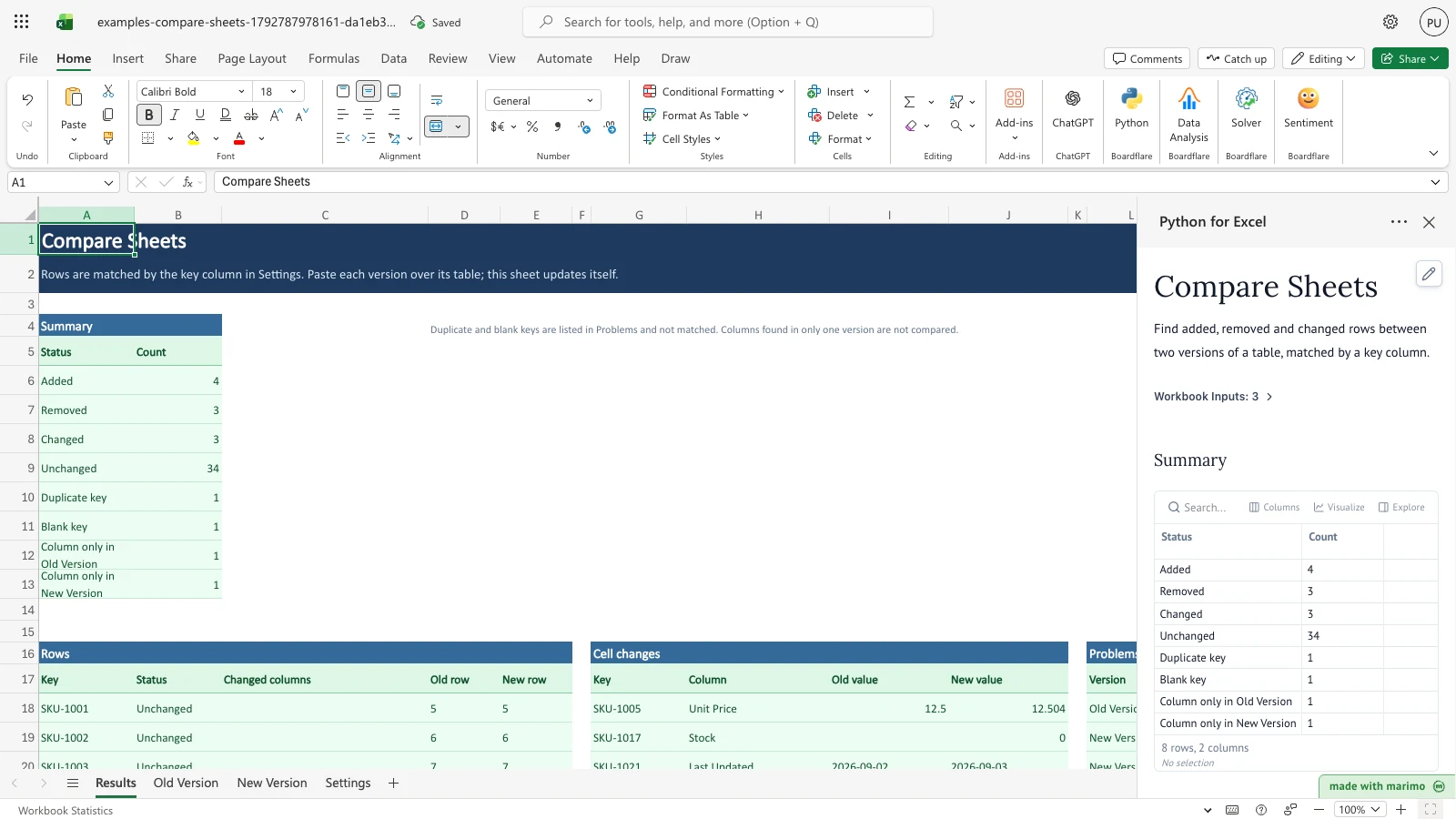
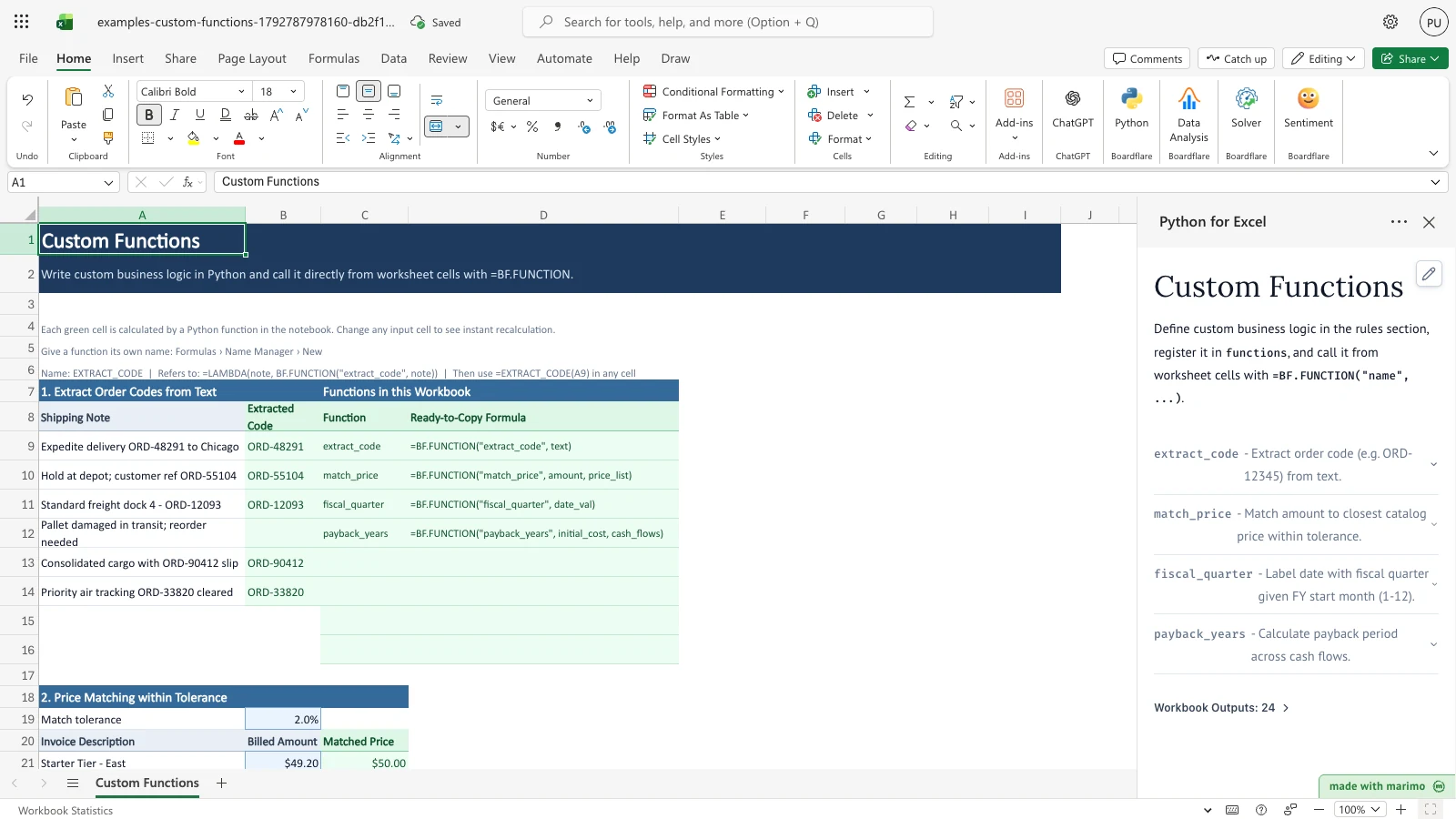
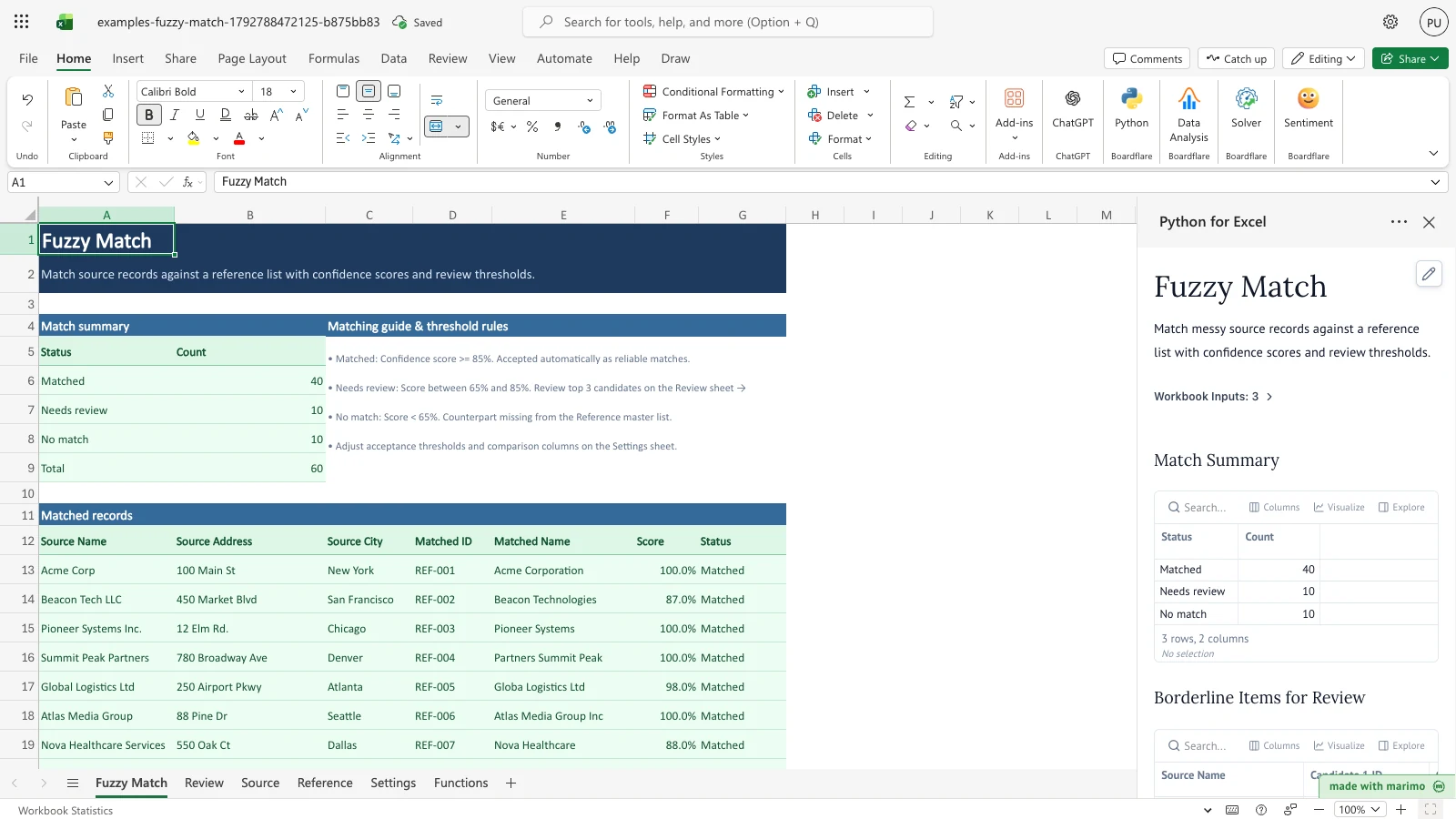
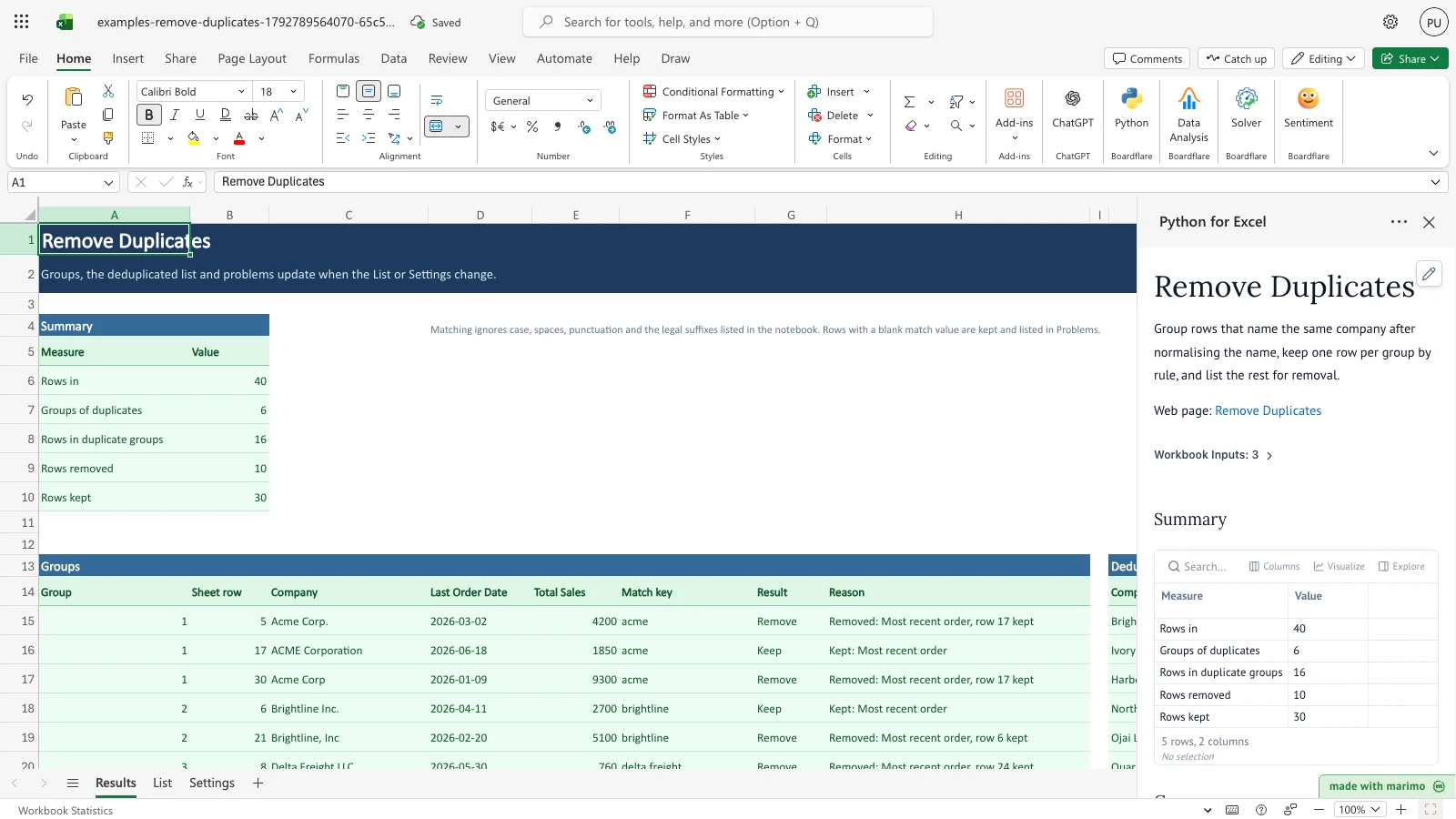
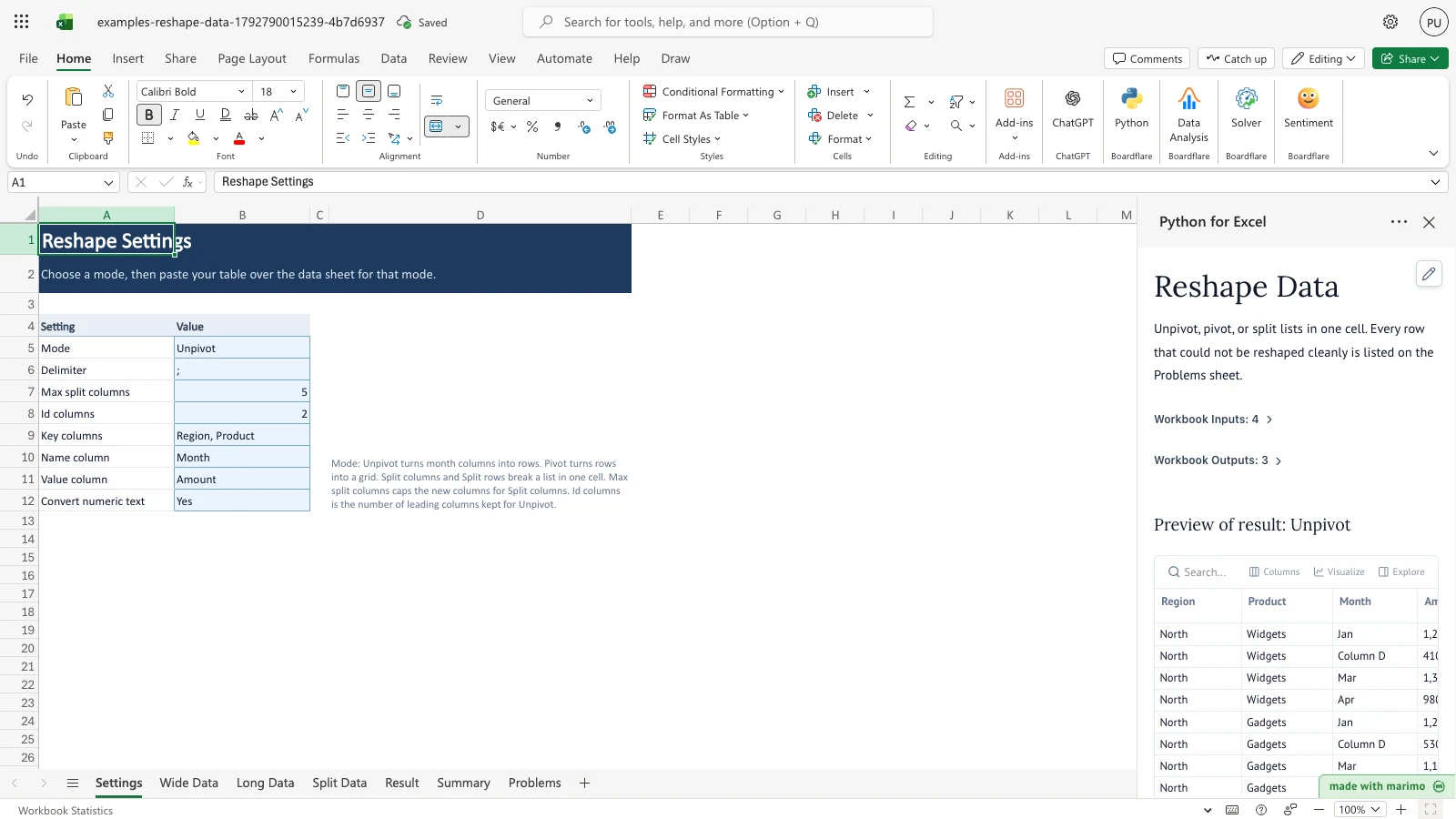
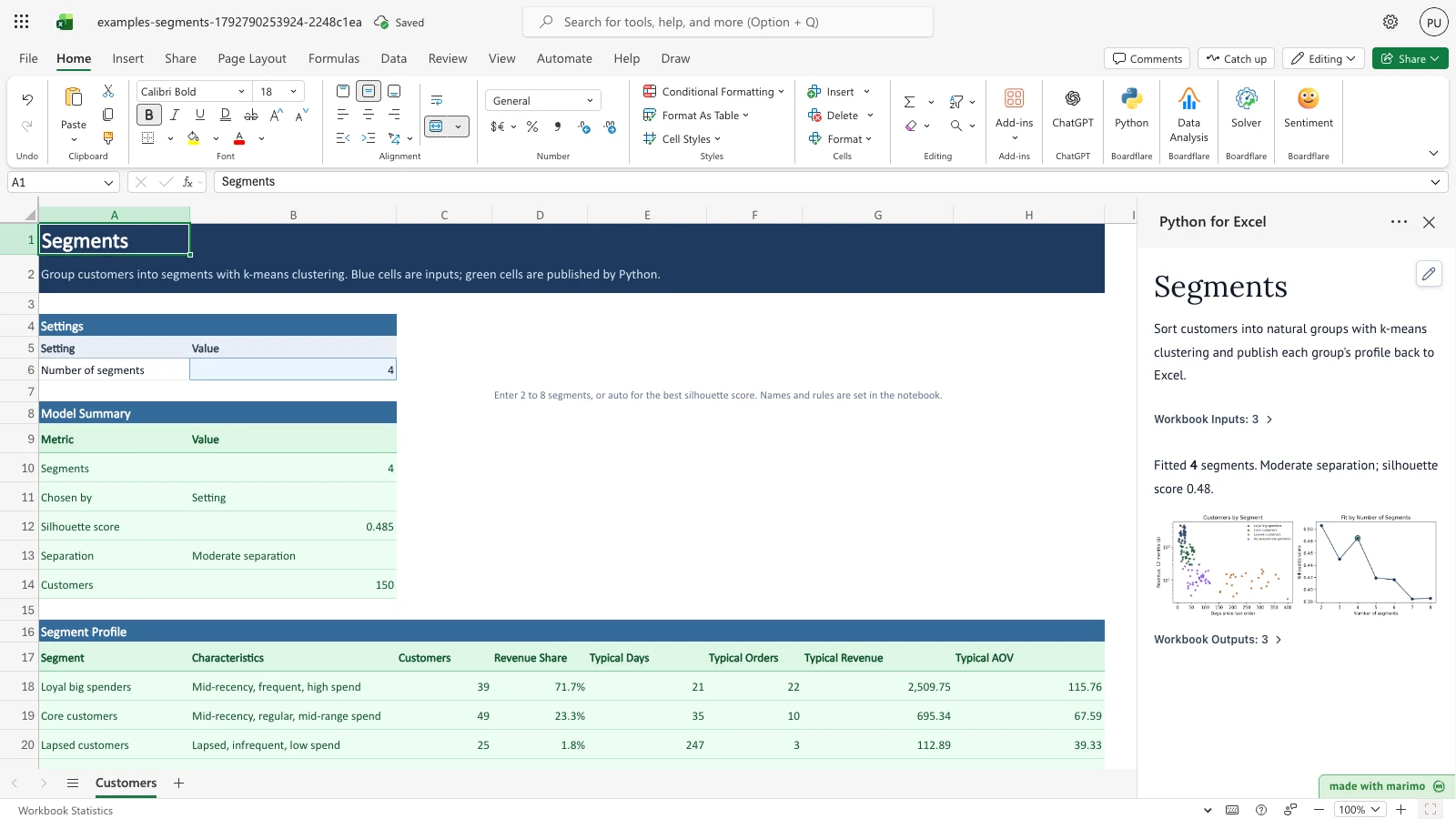
Data cleaning, fuzzy matching, reshaping, custom worksheet functions, and helpers.
No templates match that search.
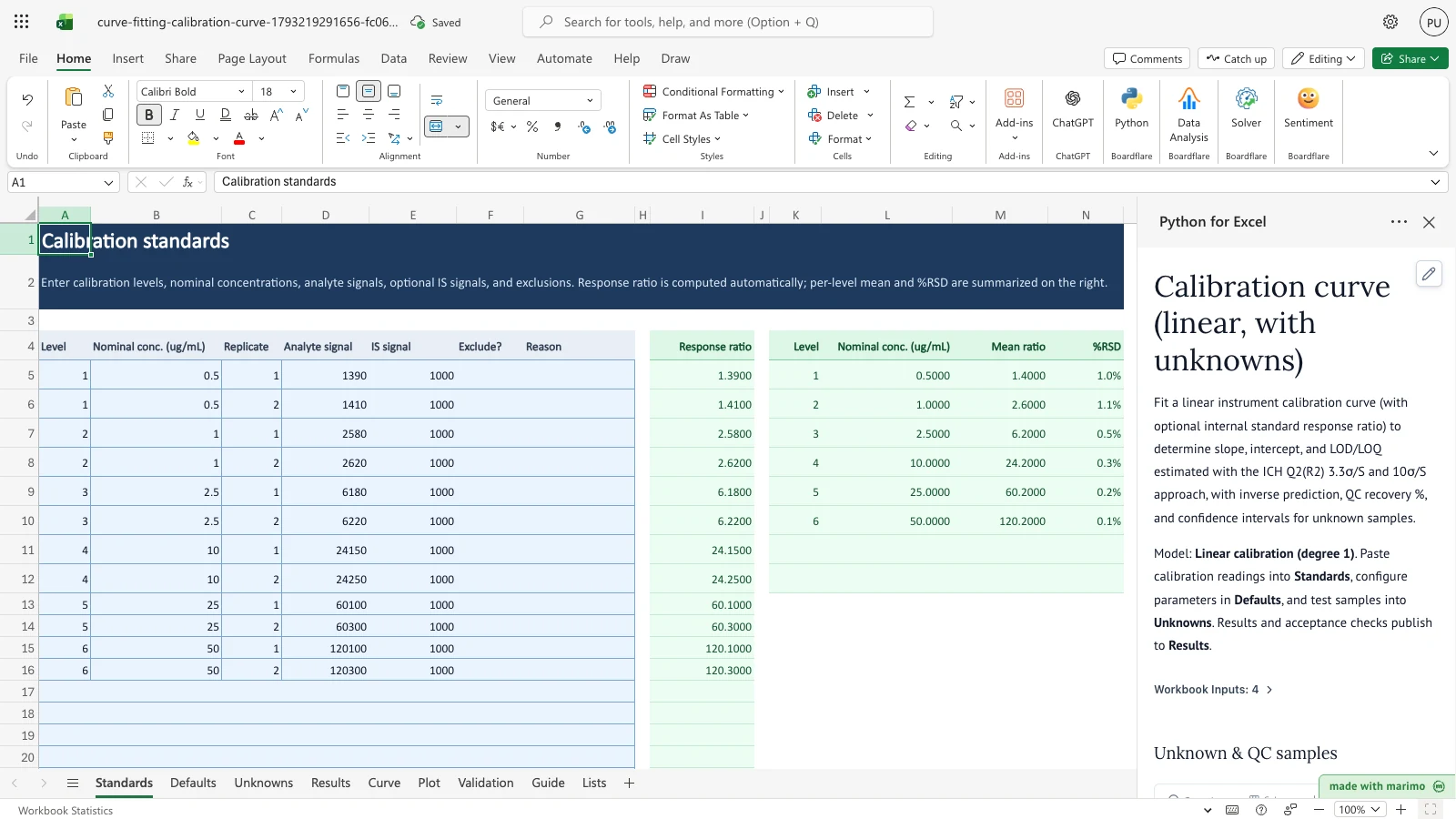
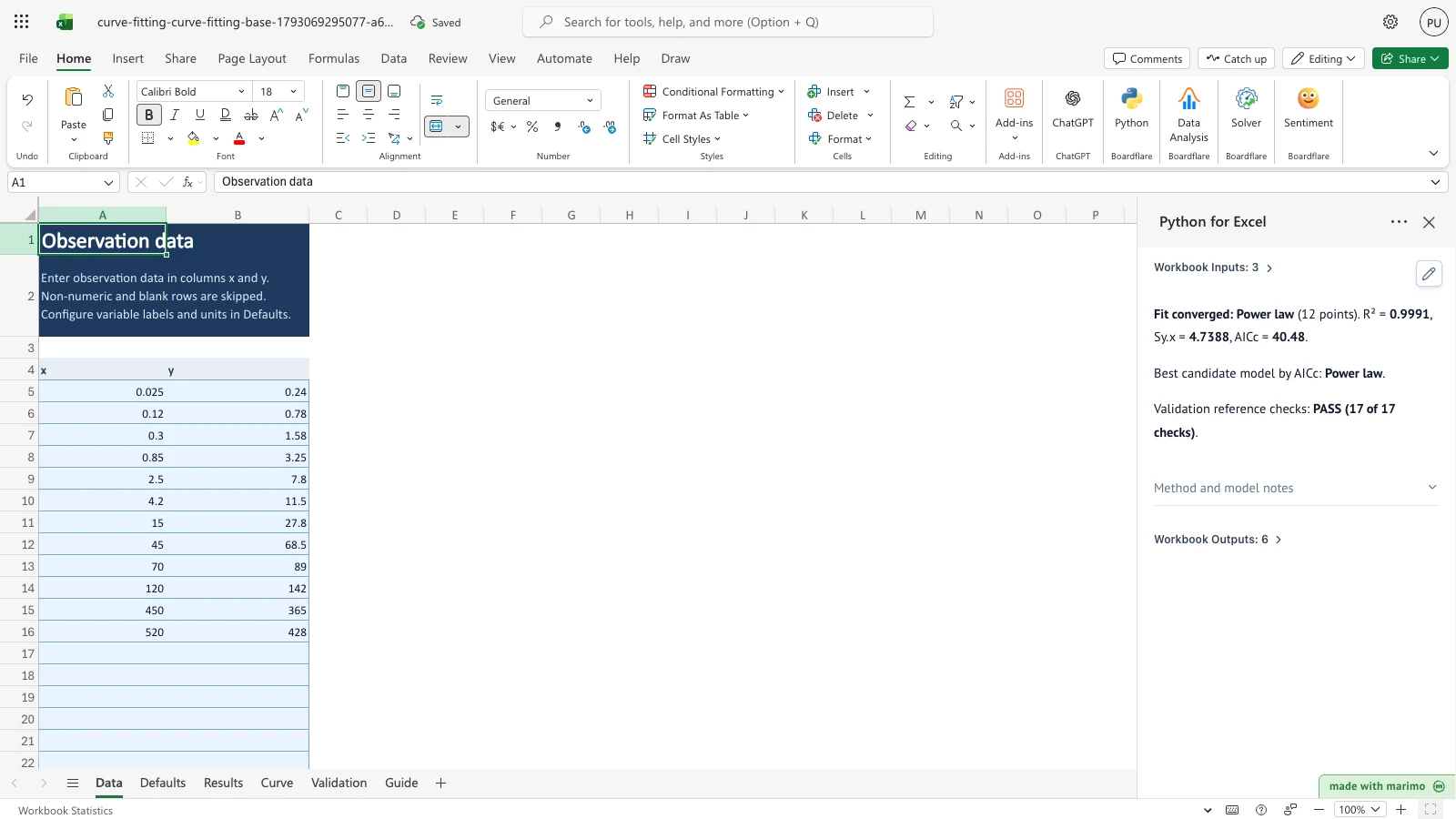
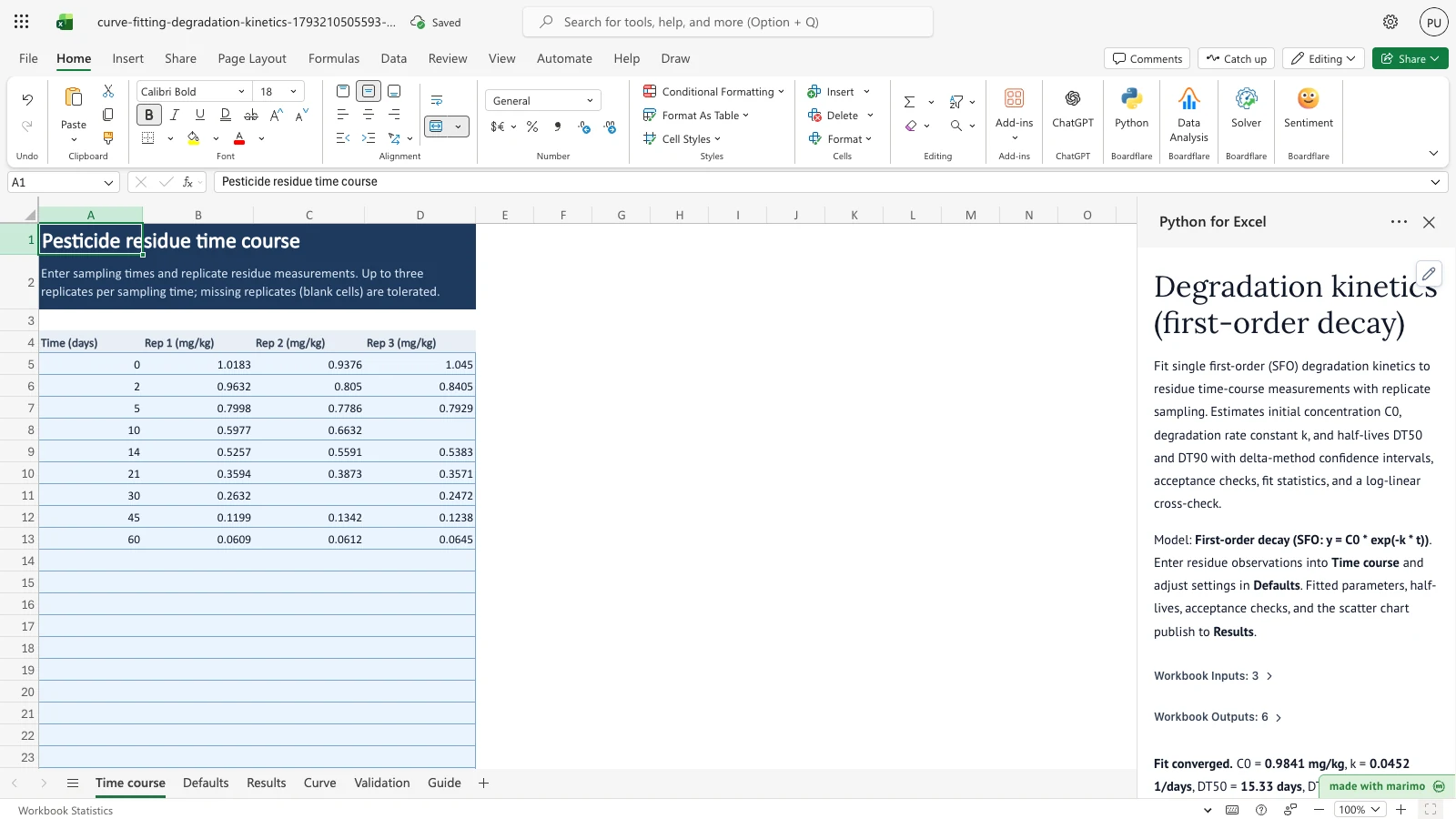
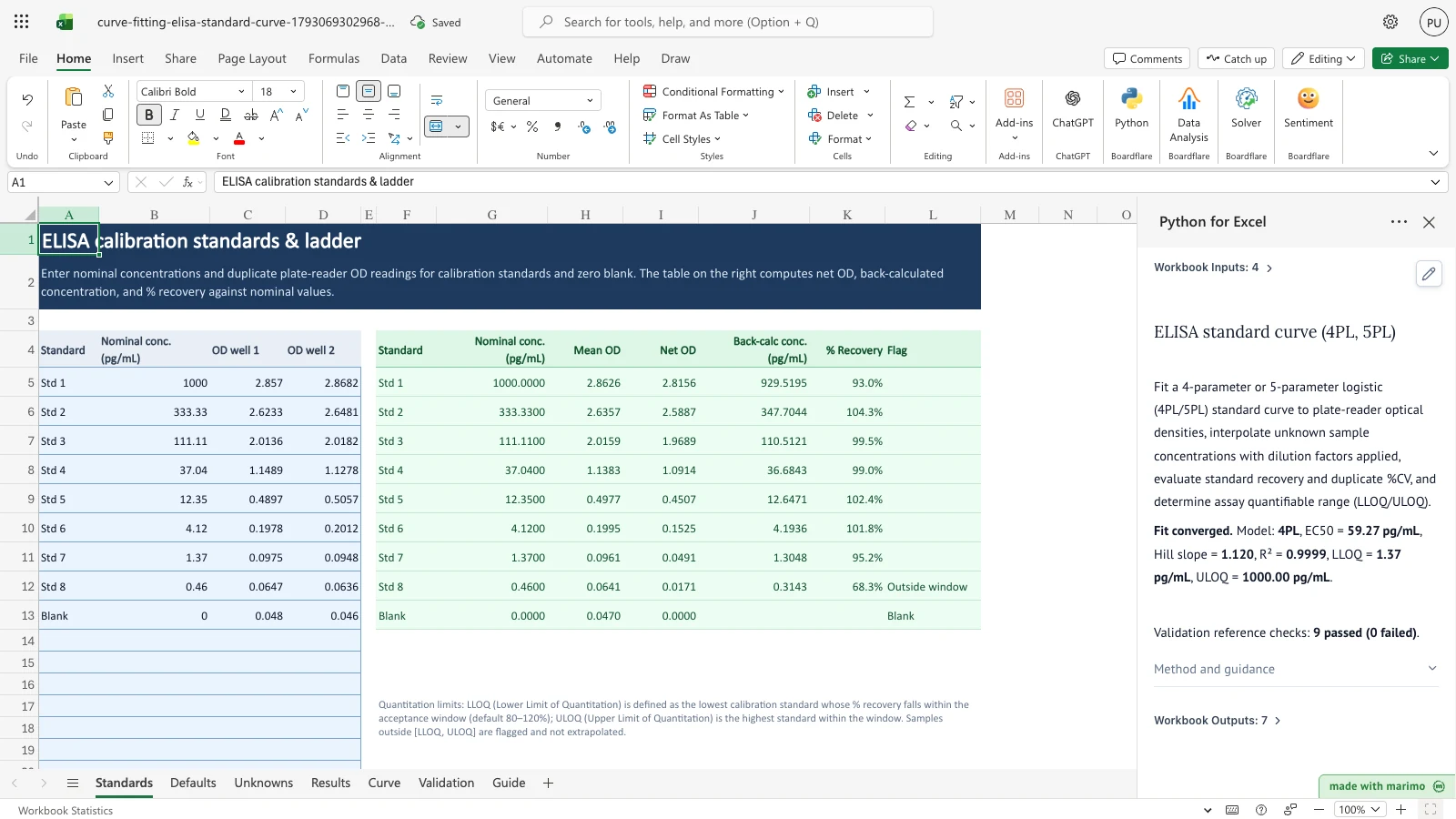
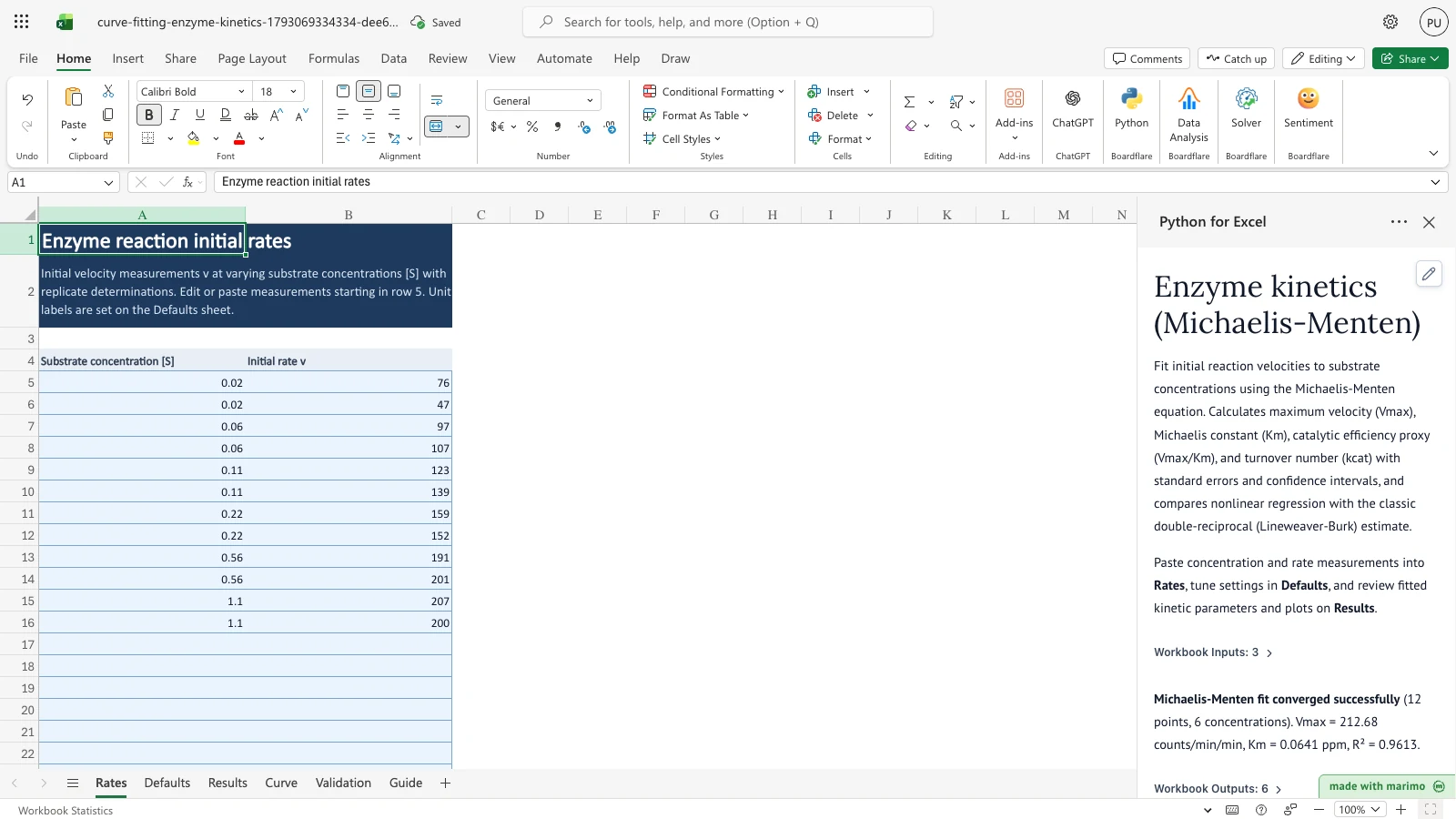
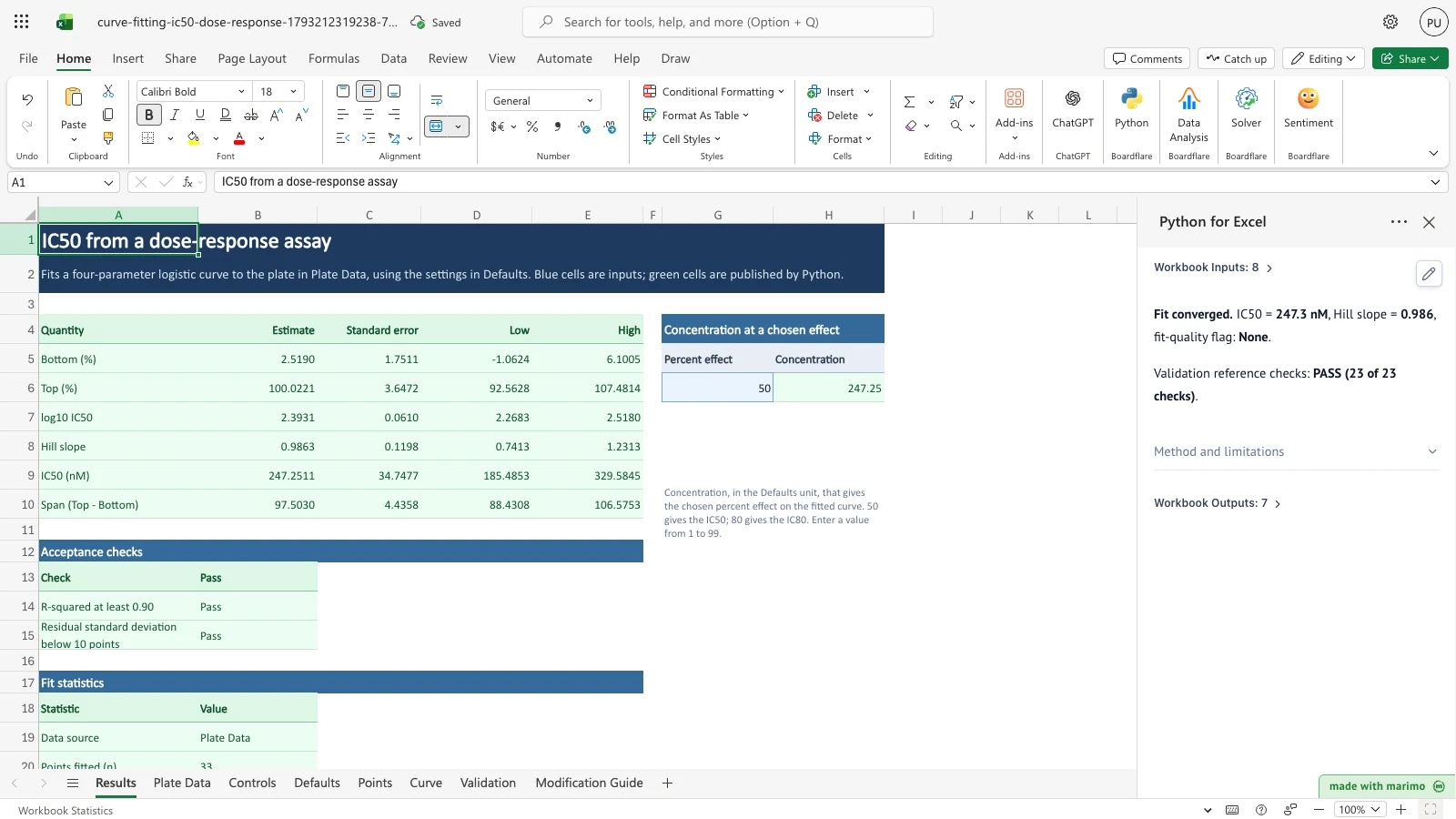
Fit nonlinear models to measured experimental data, compare candidate models, and calculate parameter estimates with confidence intervals.
Explore Curve Fitting methods and documentation →
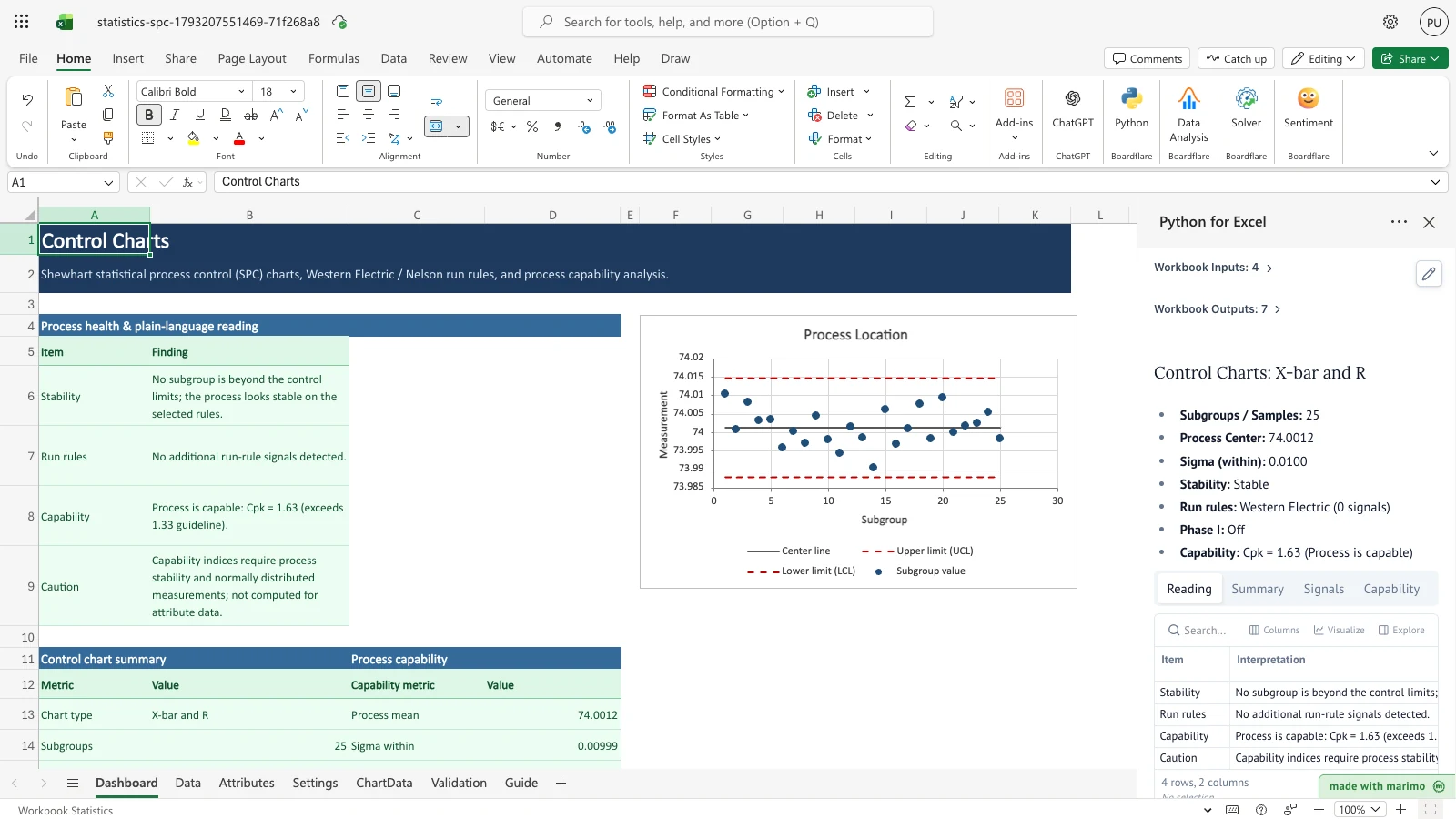
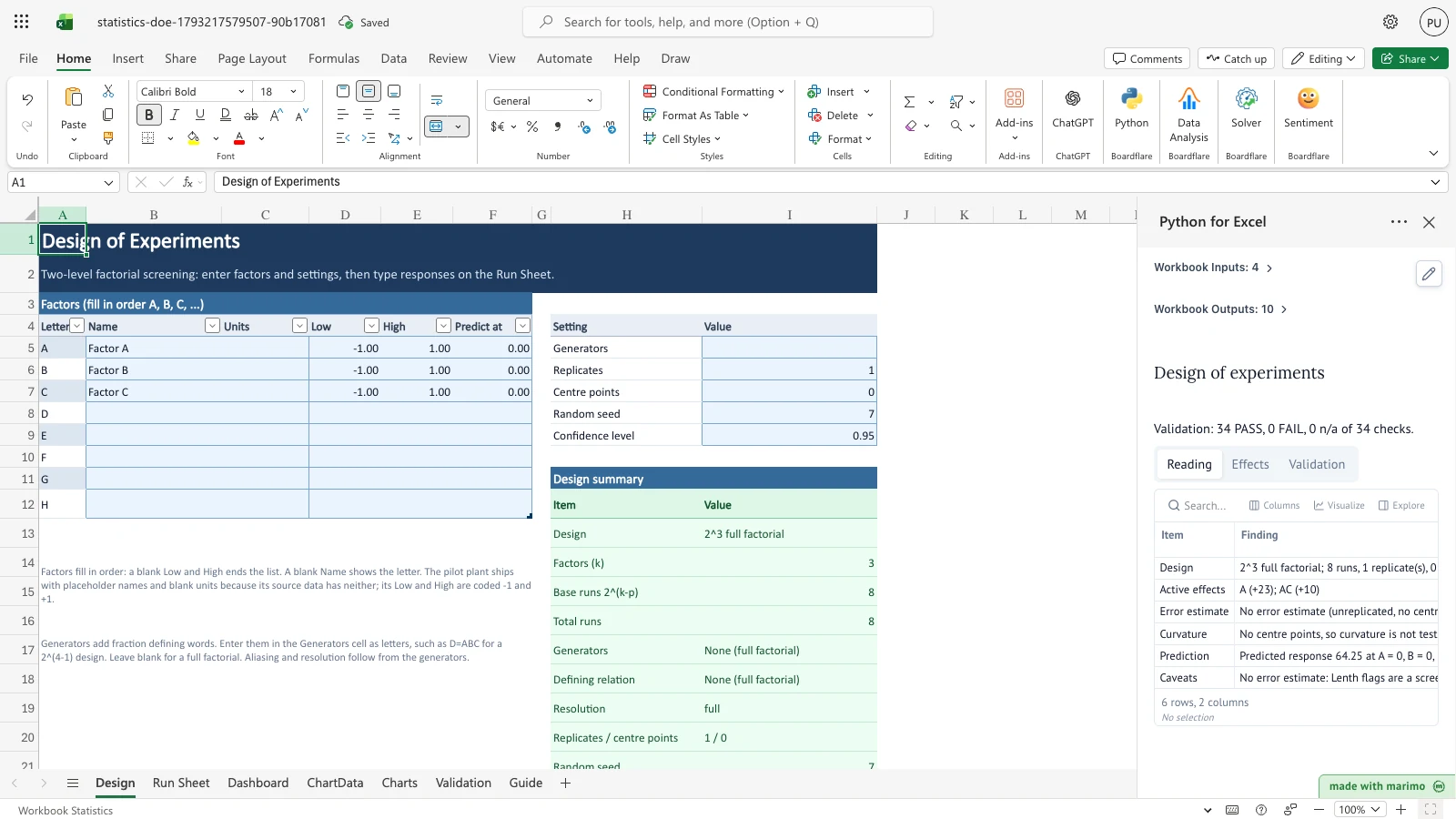
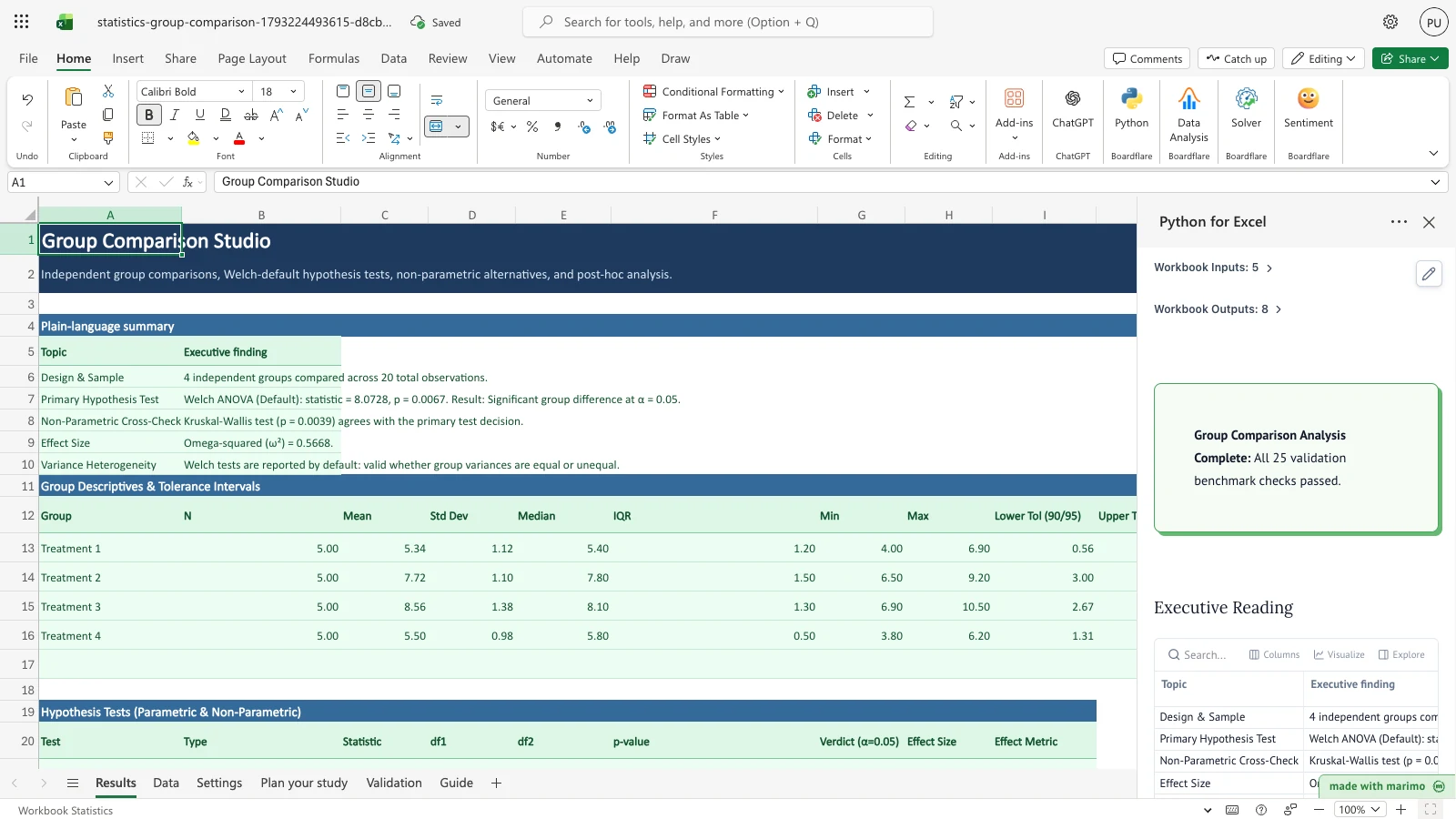
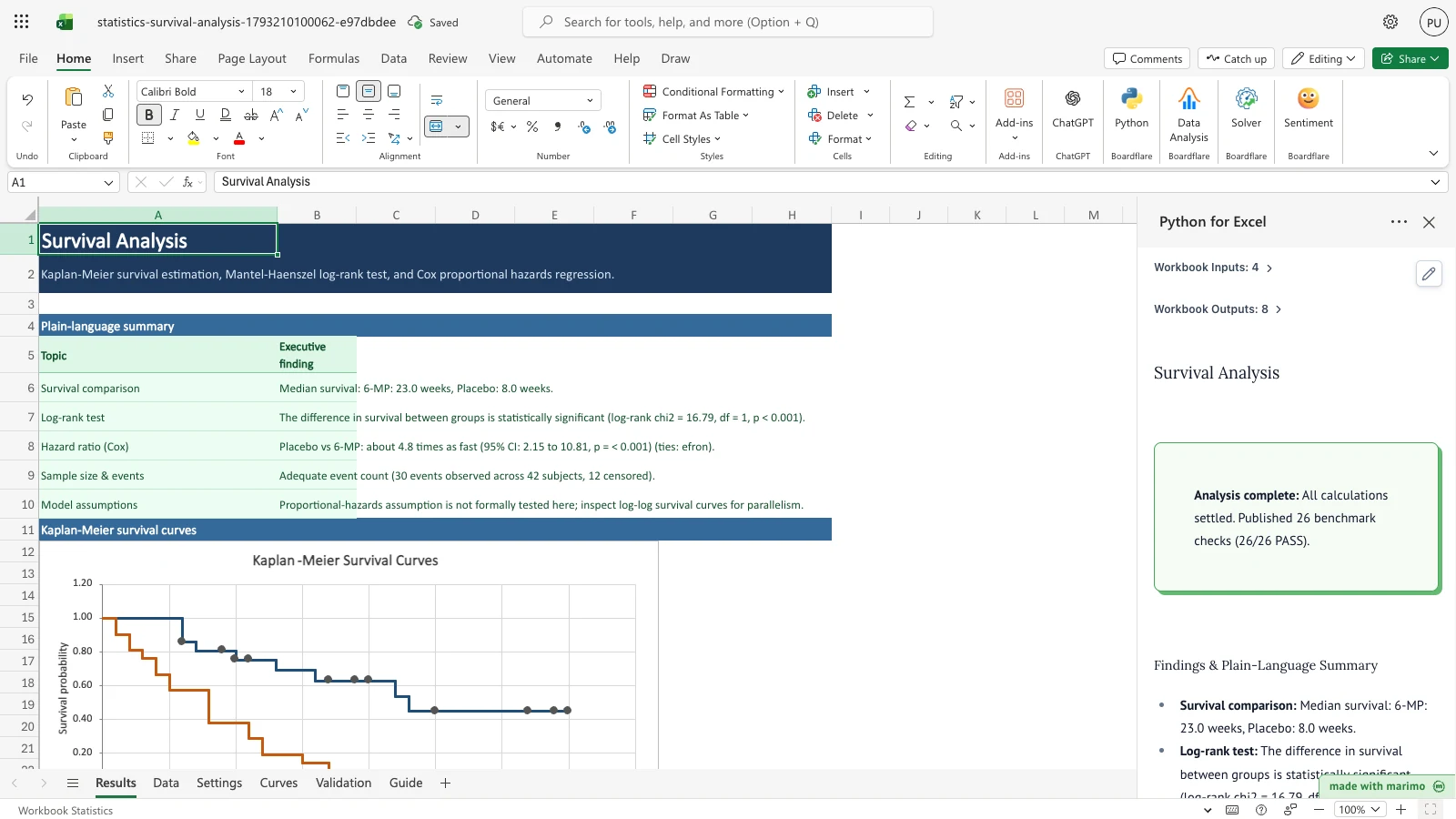
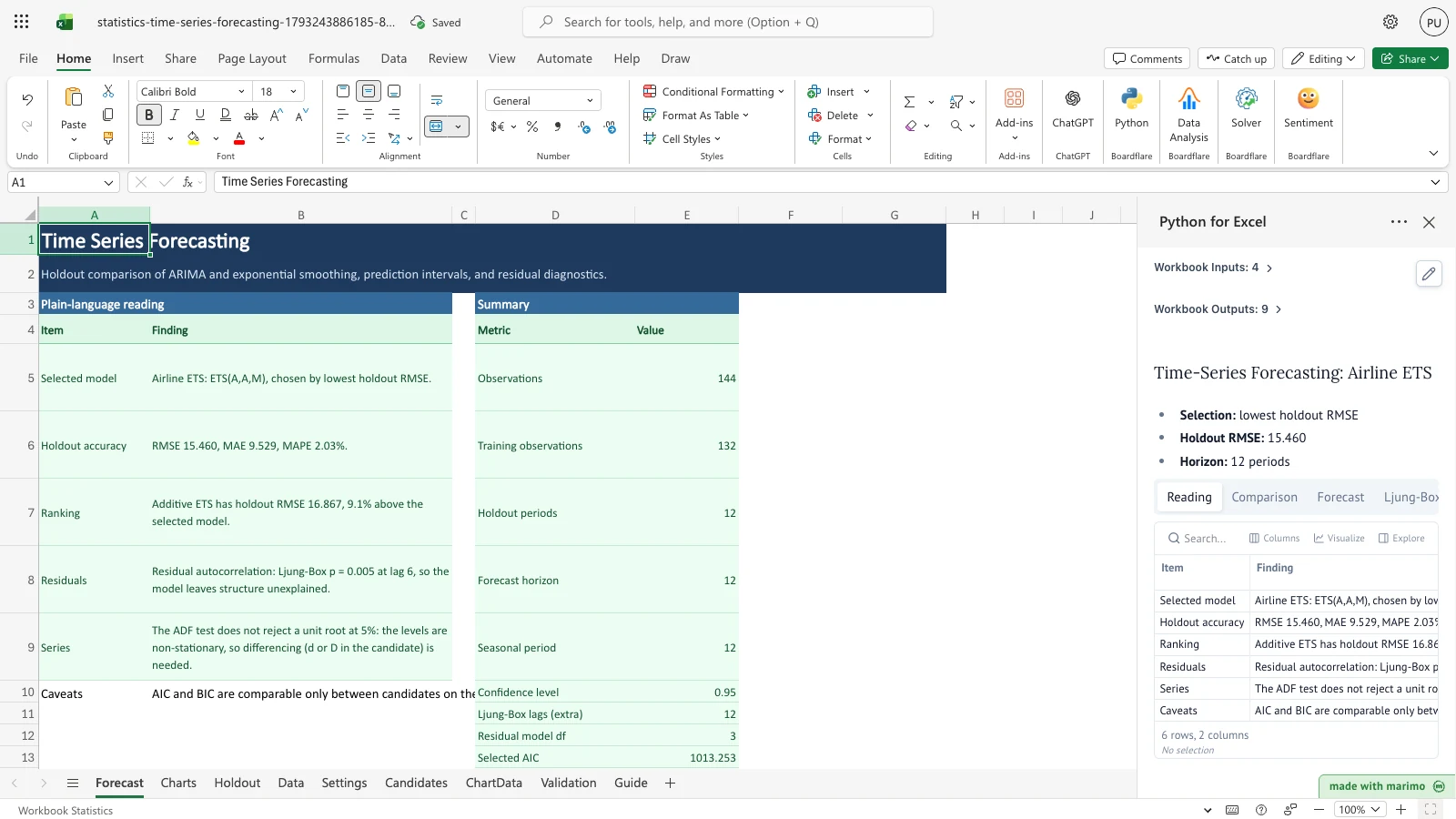
Validate analytical methods, evaluate measurement systems, monitor processes with control charts, and run hypothesis tests in Excel.
Explore Statistics methods and documentation →
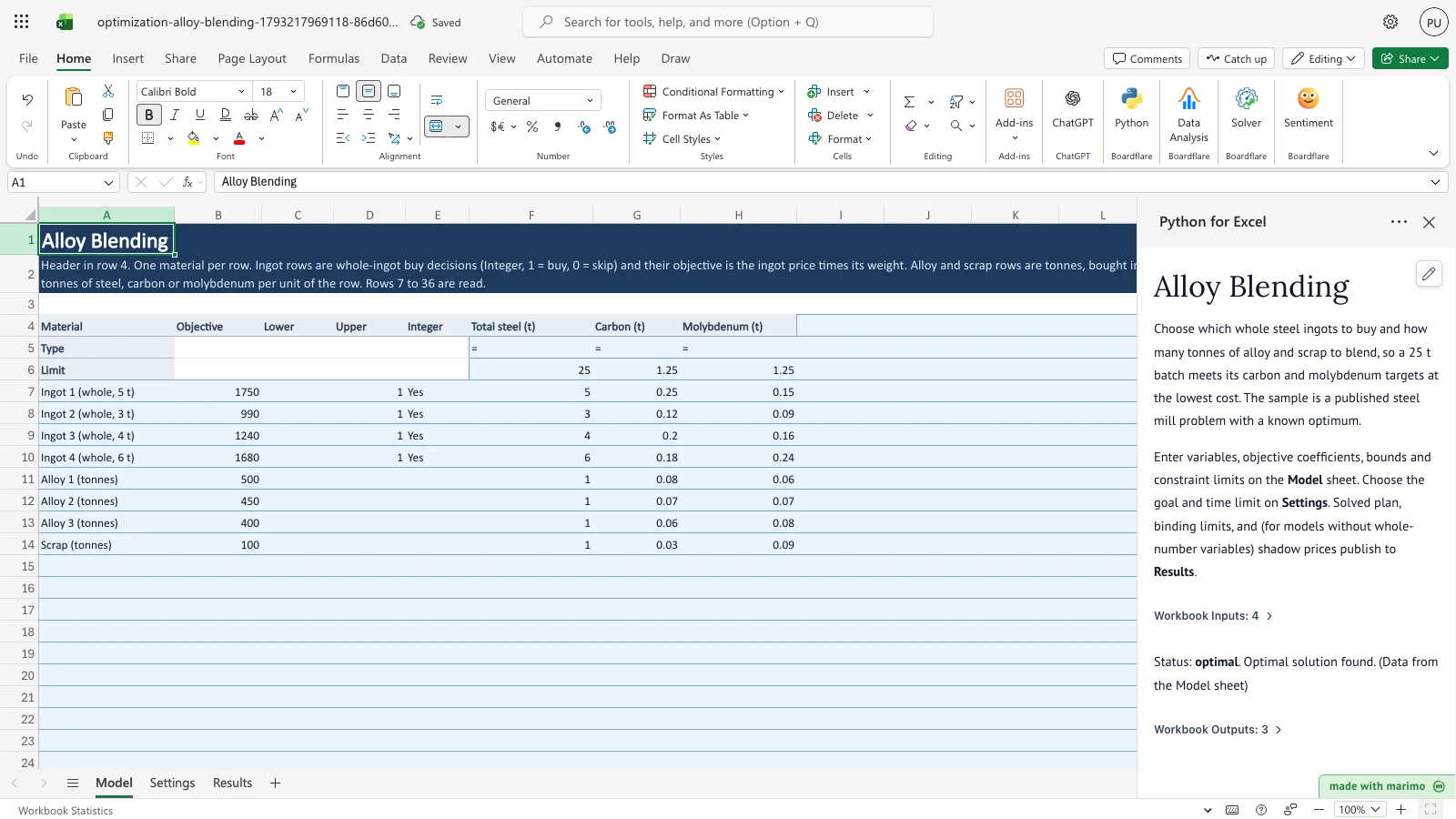
Formulate and solve linear and mixed-integer programs for blending, scheduling, and supply chain allocation using HiGHS and SciPy.
Explore Optimization methods and documentation →
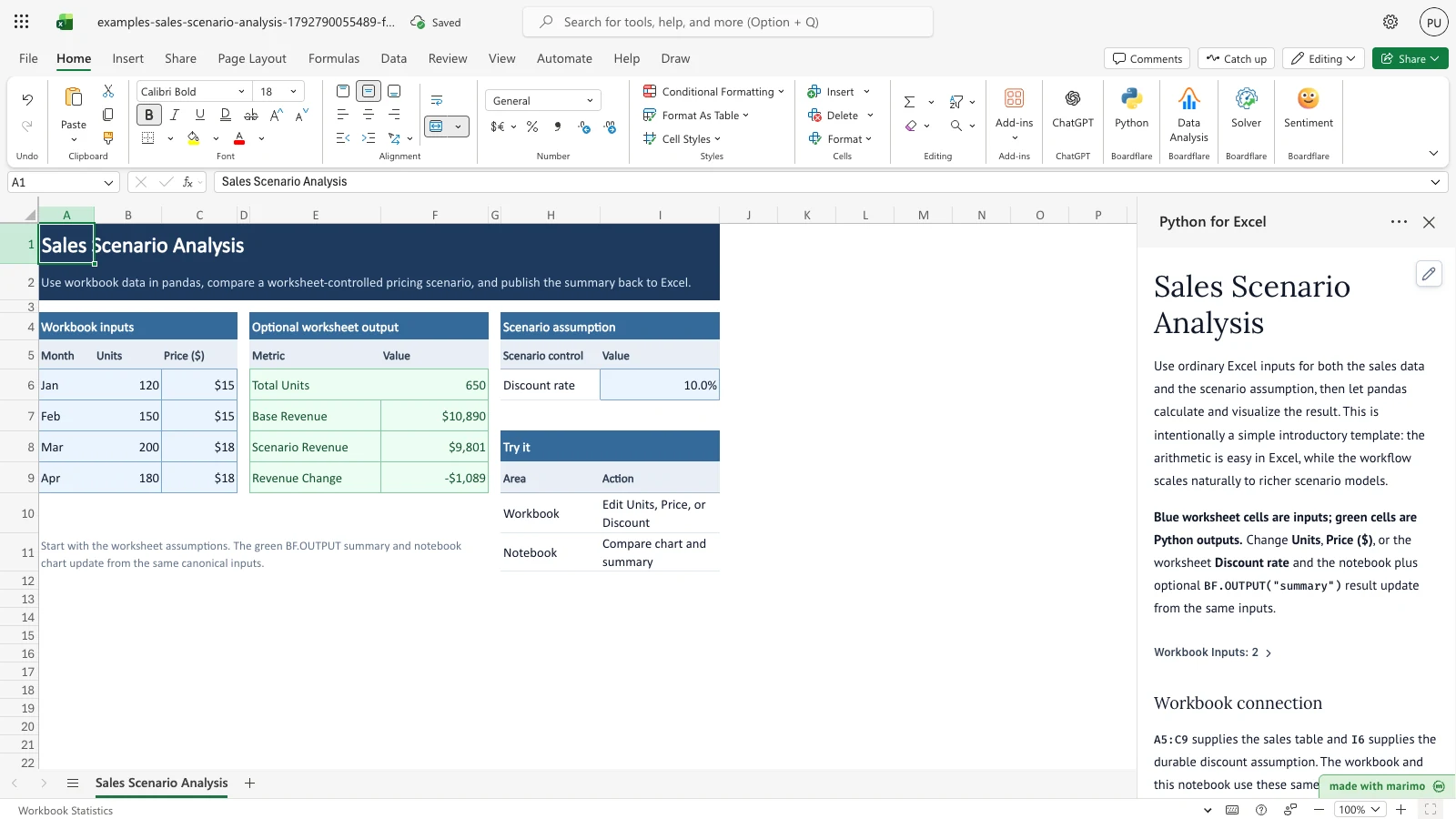
Model uncertainty with probability distributions, quantify Value at Risk and Expected Shortfall, and evaluate risk drivers with sensitivity tornado charts.
Explore Simulation methods and documentation →
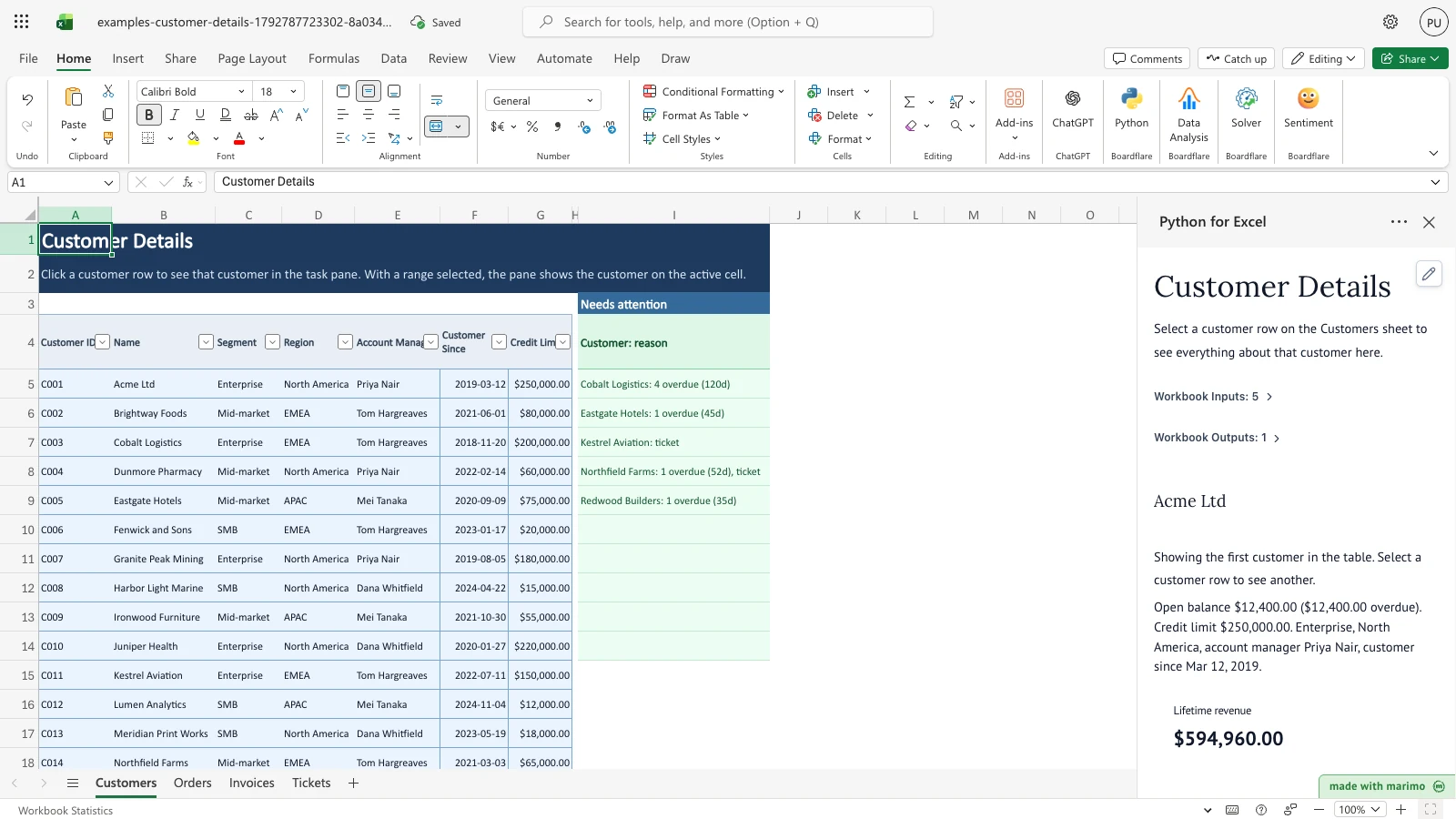
Clean, match, reshape, and combine data, and test custom worksheet functions and interactive workbook applications.